EasyManua.ls Logo

Panasonic TX-P50X60E - Watching External Inputs

Panasonic TX-P50X60E
48 pages
Print Icon
To Next Page IconTo Next Page
To Previous Page IconTo Previous Page
Loading...
English
12
Watching External
Inputs


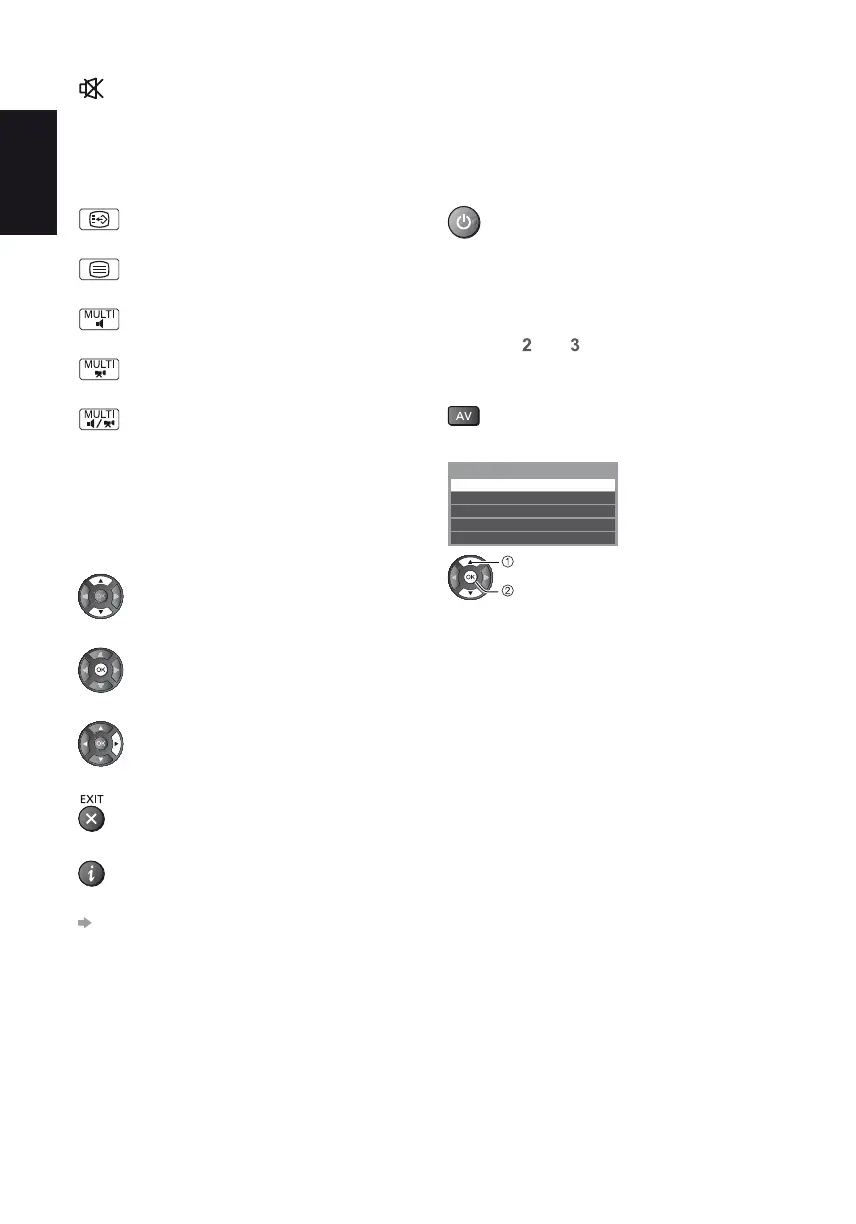
1 Turn the TV on
When connecting with SCART or HDMI


If input mode is not switched automatically




2 Display the input selection menu
3 Select the input mode connected to the equipment
Input Selection


TV










*
Features available / Message meanings

[Bad signal]

[Dolby D+], [Dolby D], [HE-AAC]






[Stereo], [Mono]

1 - 90

To confirm another tuned channel name
To watch the channel listed in the banner
Information on the next programme 
To hide
Extra information 

To set display timeout
[Banner Display Timeout]
in [Display Settings]
(Setup Menu)

Related product manuals