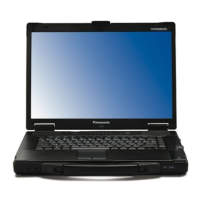
VAS 6150 – Diagnostic – Laptop
___________________________________________
Startup /unpacking instructions VAS 6150 V 1.00 3 - 17
All rights reserved
Contents
Safety instructions .......................................................................................................... 4
1 Important information............................................................................................... 9
2 Unpacking instructions .......................................................................................... 10
3 Scope of delivery .................................................................................................... 10
4 Installing the batteries............................................................................................ 11
5 Power supply........................................................................................................... 12
6 Startup...................................................................................................................... 12
6.1
Interface connections.......................................................................................... 12
6.2
Turning on .......................................................................................................... 13
6.3
Switching off ....................................................................................................... 13
6.4
Windows XP license agreement......................................................................... 13
6.5
Diagnostic radio head VAS 5054A ..................................................................... 14
6.6
Diagnostic interface VAS 5055........................................................................... 14
6.7
Further information ............................................................................................. 14
7 Troubleshooting...................................................................................................... 15






 To Next Page