Editing
Using playlists
67
LSQT1184
Using playlists
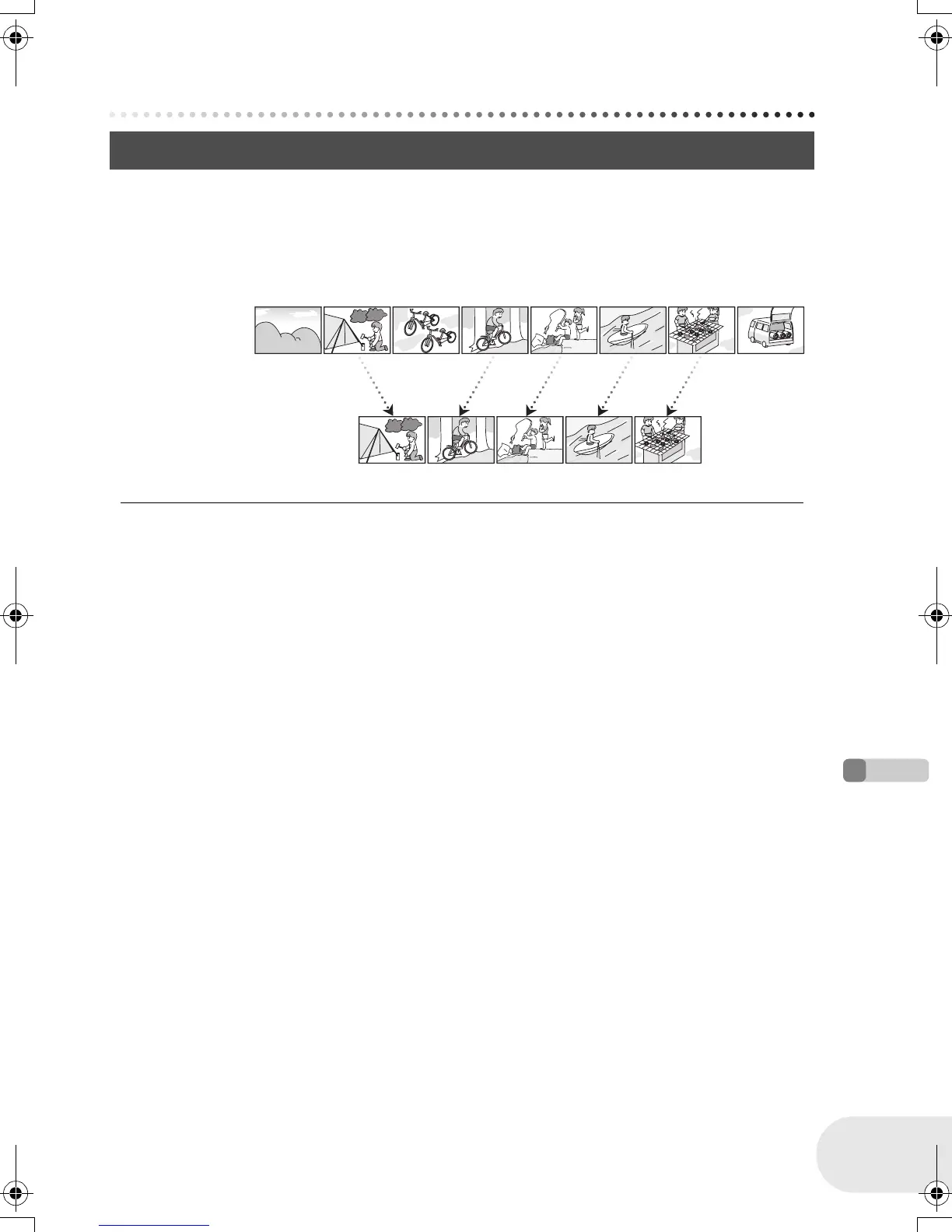
You can create a playlist by gathering your favourites from the recorded scenes.
Since the playlist is not created by copying data, you will consume little of the disc capacity by
making a playlist.
≥ If you create or delete playlists, the original scenes will not be modified. Editing scenes on a
playlist will not affect the original scenes.
≥ The maximum number of items on a disc (per side)
– Playlists: 99
– Playlist scenes: 999
≥ If original scenes are deleted, the portion of playlists
created with these scenes is also deleted.
What is a playlist?
Recorded scenes
Playlist
LSQT1184(ENG).book 67 ページ 2007年2月5日 月曜日 午後1時29分














 To Next Page