EasyManua.ls Logo

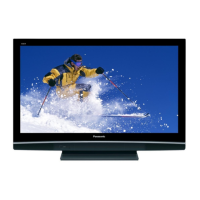
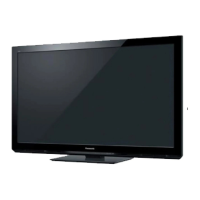
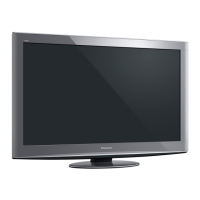
Panasonic VIERA TH-P46U20A - User Manual

Panasonic VIERA TH-P46U20A
56 pages
Print Icon
To Next Page IconTo Next Page
Loading...
TH-P42U20A
TH-P46U20A
TH-P50U20A
Plasma Television
English
TQB4TC0010
Thank you for purchasing this Panasonic product. Please read these
instructions before operating your set and retain them for future reference.
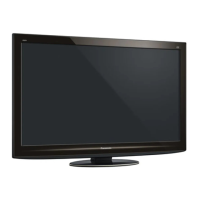
The images shown in this manual are for illustrative purposes only.
Question and Answer IconNeed help?

Do you have a question about the Panasonic VIERA TH-P46U20A and is the answer not in the manual?

Summary

Quick Start Guide

Basic Connection

Instructions for connecting aerials and external devices like DVD recorders or VCRs.

Identifying Controls

Explains the functions of the remote control buttons and TV panel controls.

Auto Tuning

Guides users through the automatic search and storage of TV channels.

Basic Features

Watching TV

Covers turning on the TV, selecting TV modes, and changing channels.

Watching External inputs

Guides on connecting and selecting external video sources like VCRs or PCs.

Advanced Features

How to Use Menu Functions

Explains how to navigate and adjust settings via the Picture, Sound, and Setup menus.

Summary

Quick Start Guide

Basic Connection

Instructions for connecting aerials and external devices like DVD recorders or VCRs.

Identifying Controls

Explains the functions of the remote control buttons and TV panel controls.

Auto Tuning

Guides users through the automatic search and storage of TV channels.

Basic Features

Watching TV

Covers turning on the TV, selecting TV modes, and changing channels.

Watching External inputs

Guides on connecting and selecting external video sources like VCRs or PCs.

Advanced Features

How to Use Menu Functions

Explains how to navigate and adjust settings via the Picture, Sound, and Setup menus.

Panasonic VIERA TH-P46U20A Specifications

General IconGeneral
Screen Size46 inches
Display TypePlasma
Aspect Ratio16:9
HDMI Ports3
USB Ports1
Component Input1
Composite Input2
PC Input1
Speakers2
Refresh Rate600Hz Sub-field Drive
Sound Output20 W
Resolution1920 x 1080
Contrast Ratio2, 000, 000:1 (Dynamic)
Audio Output1
Weight30 kg

Related product manuals