EasyManua.ls Logo

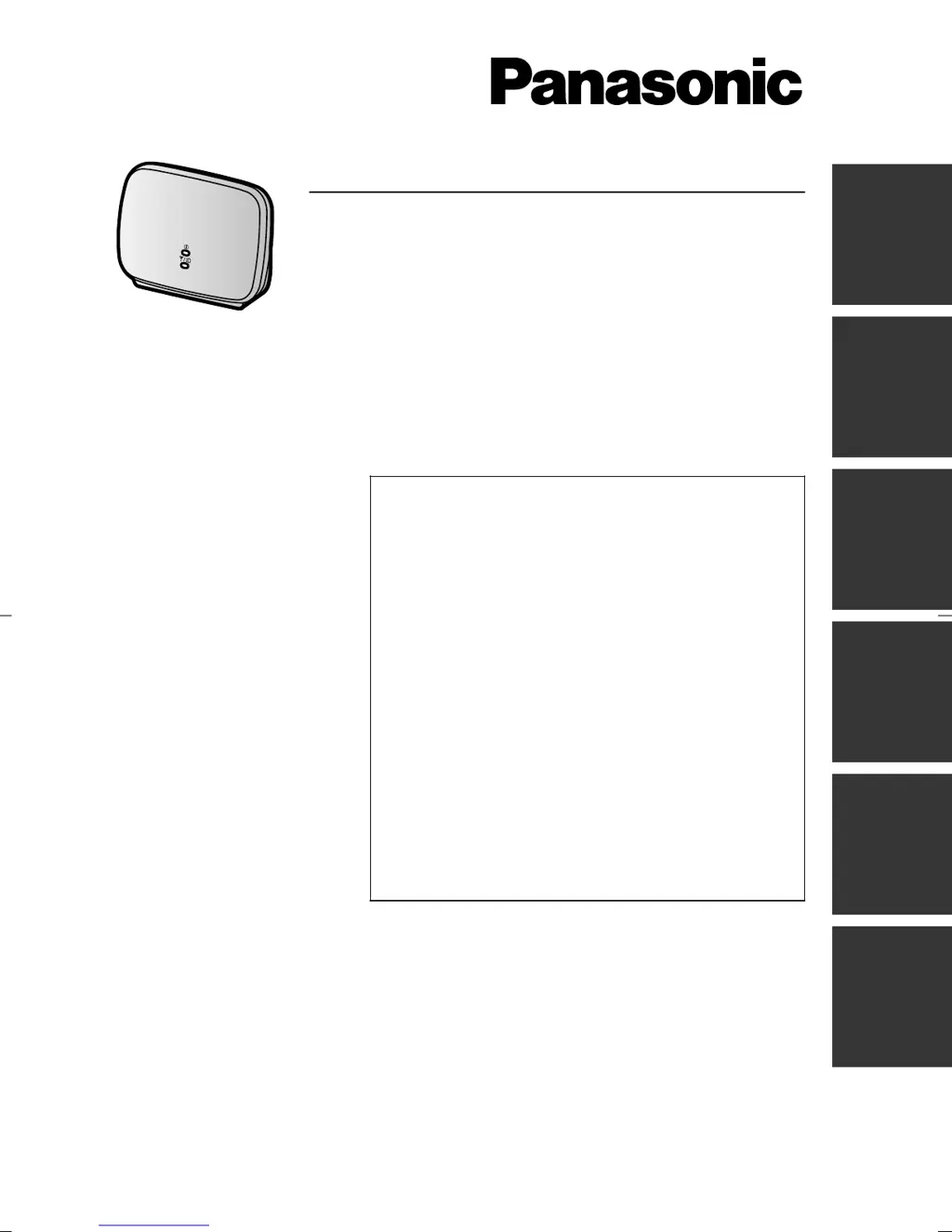
Panasonic VL-FKD2EX - User Manual

Panasonic VL-FKD2EX
72 pages
Print Icon
To Next Page IconTo Next Page
Loading...
Getting Started
DECT Repeater
Model No. VL-FKD2EX
Table of Contents
Introduction 2
Accessory information 3
For your safety 4
Important safety instructions 5
For best performance 5
Other important information 5
Controls 7
Installation/Registering the repeater to the
main monitor
8
Wall mounting 9
Troubleshooting 10
Cleaning 10
Specifications 10
General information 11
Thank you for purchasing a Panasonic product.
Please read this manual before using the product and save it for future reference.
English
Español
Nederlands
Français Deutsch Italiano

Table of Contents

Questions and Answers

  • L
    Laurie EvansAug 8, 2025
    How to fix a Panasonic Repeater that does not work?
    • C
      Cassandra PaulAug 8, 2025
      If your Panasonic Repeater isn't working, begin by verifying that the AC adapter is properly connected. If the indicators aren't lighting up green, try moving the repeater closer to the main monitor. If the issue persists, it's possible the registration with the main monitor was unsuccessful; try re-registering the repeater.
  • B
    Briana GreenAug 25, 2025
    What to do if Panasonic VL-FKD2EX Repeater's transmission doesn't improve after installation?
    • T
      Trevor HuntAug 25, 2025
      If the transmission of images and sound from your Panasonic Repeater isn't improving even after installation, first ensure the sub monitor or camera is within the repeater's signal range. If that's not the issue, the repeater might be too far from the main monitor; try moving it to a location where the ID indicator is stable, showing green or orange. Alternatively, the repeater could be too close to the main monitor; in that case, position the repeater as far from the main monitor as possible while still maintaining a signal range where the sub monitor or camera are in use.

Summary

Signal Range and Installation

Repeater Connection Methods

Details using one or two repeaters connected separately or together for extended signal range.

Safety Precautions

Preventing Fire and Electric Shock

Provides critical warnings and guidelines to avoid fire and electric shock hazards during use.

Preventing Accidents and Injuries

Lists essential precautions to prevent accidents, injuries, and property damage.

Performance and Environment

Controls and Indicators

Installation and Registration

Connecting and Registering Repeater

Step-by-step guide to connecting the AC adaptor and registering the repeater to the main monitor.

Wall Mounting

Troubleshooting and Maintenance

Panasonic VL-FKD2EX Specifications

General IconGeneral
BrandPanasonic
ModelVL-FKD2EX
CategoryRepeater
LanguageEnglish

Related product manuals