EasyManua.ls Logo

Panasonic WV-CL930 - User Manual

Panasonic WV-CL930
110 pages
Print Icon
To Next Page IconTo Next Page
Loading...
Before attempting to connect or operate this product,
please read these instructions carefully and save this manual for future use.
No model number suffix is shown in this manual.
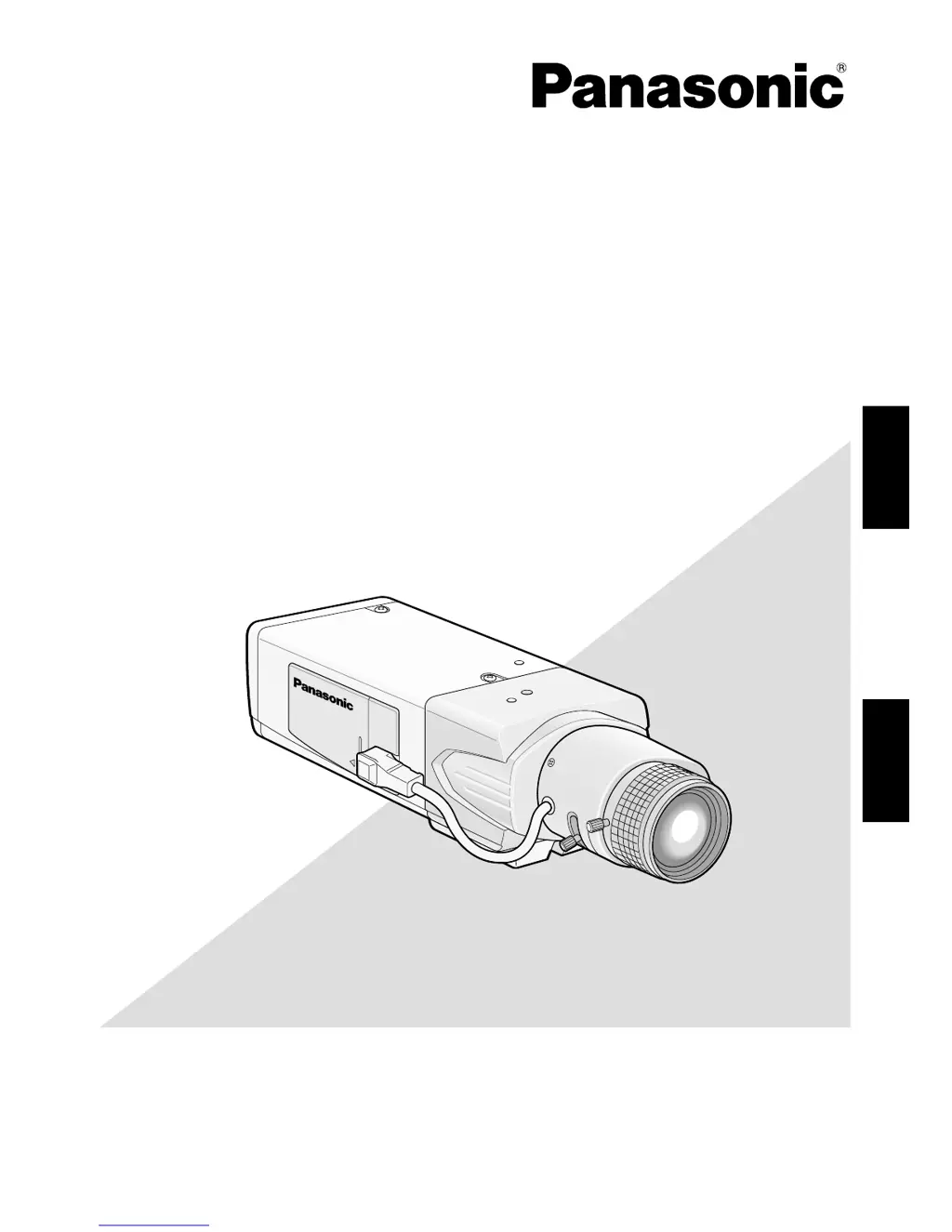
(Lens: option)
Color CCTV Cameras
Operating Instructions
Model Nos. WV-CL930
WV-CL934
TV LENS
2X
WV-LZ80/2
6~12m
m
1:1.4
ENGLISHFRANÇAIS

Table of Contents

Questions and Answers

  • D
    Douglas GardnerAug 10, 2025
    What to do if the power cord sheathing of my Panasonic WV-CL930 is damaged?
    • U
      ucombsAug 10, 2025
      If you notice that the power cord, connector, or power plug of your Panasonic Security Camera is damaged, immediately disconnect the power plug and request repair from your dealer.
  • B
    Brittany SchneiderAug 20, 2025
    What to do if my Panasonic WV-CL930 has no image displayed?
    • T
      thomasallisonAug 20, 2025
      If your Panasonic Security Camera isn't displaying an image, first, ensure the connection is properly established. Next, verify that the monitor settings are appropriate. Finally, check if the cap is detached from the lens.
  • J
    joyceturnerAug 30, 2025
    Why is my Panasonic Security Camera image blurred?
    • T
      Theresa HawkinsAug 30, 2025
      If the image from your Panasonic Security Camera appears blurred, check whether the lens of the camera is clean. Also, ensure that the focus is adjusted correctly.

Panasonic WV-CL930 Specifications

General IconGeneral
Image Sensor1/3" CCD
S/N Ratio50 dB
Power Source12 V DC
SynchronizationInternal/Line Lock
Lens MountC/CS mount
Minimum Illumination0.8 lux (F1.2, 50 IRE)
Video Output1.0 Vp-p, 75 ohms, composite
Operating Temperature-10 °C to +50 °C
Effective Pixels768(H) x 494(V)
LensNot included

Related product manuals