EasyManua.ls Logo

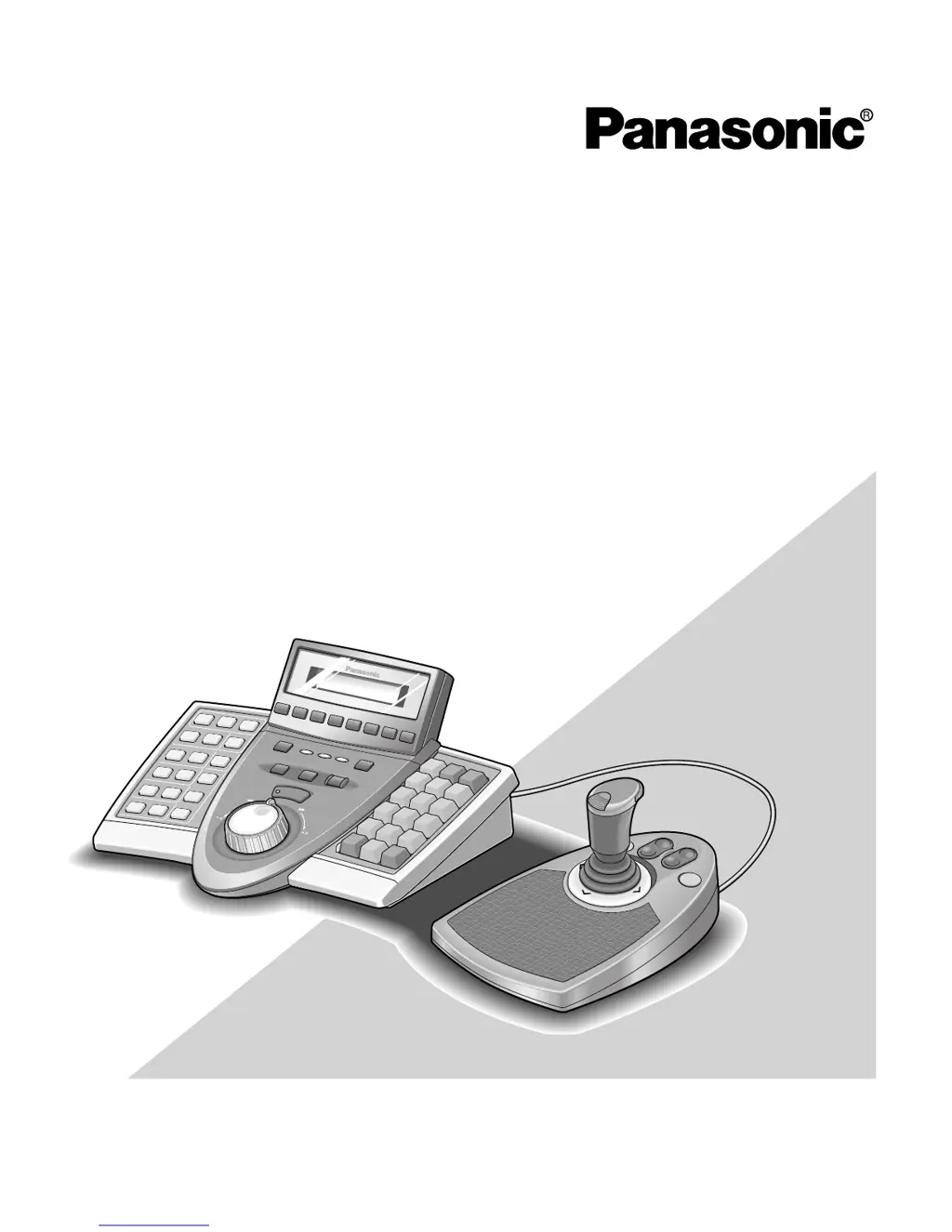
Panasonic WV-CU650 - User Manual

Panasonic WV-CU650
126 pages
Print Icon
To Next Page IconTo Next Page
Loading...
Before attempting to connect or operate this product,
please read these instructions carefully and save this manual for future use.
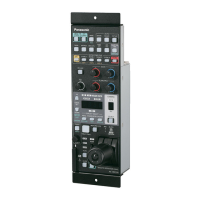
Model No. WV-CU650
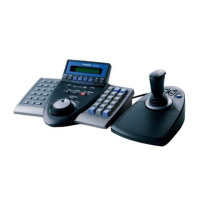
System Controller
Operating Instructions

Table of Contents

Questions and Answers

  • T
    tonya66Aug 17, 2025
    What to do if users cannot control cameras with the 3D joystick on the Panasonic Control Unit?
    • E
      Erica RiceAug 17, 2025
      If users are unable to control cameras using the 3D joystick, there might be several reasons: * The cable connecting the main unit and the 3D joystick might be disconnected. Ensure the connection is secure. * The combination codes of the main unit and 3D joystick unit may not match. Verify that the combination codes are identical. * Users may not have authorization to control cameras with the 3D joystick. Verify the user level settings. * Cables connected to the DATA ports of the system controller or other system units may be loose. Check all connections. * The line termination settings of the MODE switches may be incorrect. Review the settings and power the unit on again. * An incorrect user ID may have been entered. Re-enter the correct user ID.
  • J
    Jennifer HardyAug 20, 2025
    How to fix Panasonic Control Unit when the power of system controller is not turned on?
    • J
      Jerry HerreraAug 20, 2025
      If the system controller's power is not turning on, check these potential issues: * Ensure the AC adapter is properly connected to both the system controller and the AC outlet. * Verify that the DC plug is securely plugged into the DC 9 V Input jack of the system controller.
  • C
    Cassandra ClarkAug 22, 2025
    What to do if login standby display does not appear on the LCD of Panasonic Control Unit?
    • K
      Katrina CameronAug 23, 2025
      If the login standby display doesn't appear on the LCD, consider these potential causes: * The MODE switches at the rear panel may be set incorrectly. Check the settings and turn the power on again. * The CONTROLLER NO. switch setting may be incorrect. Verify the setting and restart the power. * The power may have been turned on while some buttons were held down. Ensure no buttons are pressed during power-up, and then turn the power on again.
  • S
    Stephanie BaxterAug 26, 2025
    Why is the buzzer sound not heard on my Panasonic Control Unit?
    • J
      Julie DoughertyAug 26, 2025
      If you cannot hear the buzzer sound, it may be because the buzzer is set to OFF. Check the buzzer setting.
  • G
    gillespiechadAug 28, 2025
    What to do if I cannot activate any functions even when pressing the A, B, or top button of the 3D joystick unit on the Panasonic Control Unit?
    • J
      Justin YoungAug 28, 2025
      If you cannot activate functions using the A, B, or top button of the 3D joystick, check the following: * Ensure the cable is properly connected between the system controller and the 3D joystick. * Verify that the function assignment settings of the A, B, or top button are correct. * Confirm that the logged-in users have the necessary authorization to control cameras with these buttons by checking the user level settings.
  • J
    Jacqueline ForbesAug 31, 2025
    How to resolve 'Controller No.1 No Exist Error' displayed on the LCD of Panasonic Control Unit?
    • K
      Keith KelleyAug 31, 2025
      If you see the message 'Controller No.1 No Exist Error' on the LCD, it means that no system controller is set to CONTROLLER NO. 1. To resolve this, check the CONTROLLER NO. switch on the rear panel of each system controller and ensure one is set to CONTROLLER NO. 1.
  • J
    Jennifer SmithSep 3, 2025
    What should I do if the brightness of LCD is not enough on Panasonic Control Unit?
    • L
      Laura Francis MDSep 3, 2025
      If the brightness of the LCD is insufficient or characters do not appear, the display setting value of the LCD may be incorrect. Check the display setting.
  • T
    Teresa WashingtonSep 5, 2025
    What to do if I cannot activate any functions even when pressing the function buttons (F1 to F4/F5 to F8) on Panasonic Control Unit?
    • L
      lisa20Sep 6, 2025
      If you are unable to activate functions using the function buttons (F1 to F4/F5 to F8), check the following: * Confirm that the function assignment settings for the F1 to F8 buttons are correct. * Ensure that the users logged into the system have the appropriate authorization to control cameras with these buttons by verifying the user level settings.
  • R
    Rachel WilsonSep 8, 2025
    What to do if there is a difference between the function displayed on the LCD and that recalled when pressing one of the function buttons (F1 to F4/F5 to F8) on Panasonic Control Unit?
    • D
      Debra CastroSep 8, 2025
      If there's a discrepancy between the function displayed on the LCD and the function that is actually recalled when pressing one of the function buttons (F1 to F4/F5 to F8), consider these potential causes: * The function assignment settings of the F1 to F8 buttons may be incorrect. Verify the settings. * The LCD title may have been edited incorrectly. Check the setting.
  • J
    Jennifer CooperSep 12, 2025
    Why is there an invalid button even when it is pressed on Panasonic Control Unit?
    • J
      Jennifer DavisSep 12, 2025
      If a button press results in an invalid action, consider the following: * Determine if the selected monitor, camera, or system unit can activate the function assigned to the button. Available functions depend on the system devices. Refer to the operating instructions of the selected system unit. * Ensure that the logged-in users have the necessary authorization to control cameras with the button by checking the user level settings.

Summary

IMPORTANT SAFETY INSTRUCTIONS

OPERATING CONTROLS AND INTERFACE

Main Unit Controls Overview

Details buttons and indicators on the main unit's front panel.

SYSTEM INSTALLATION AND SETUP

BASIC SYSTEM OPERATION

RECORDER AND CAMERA CONTROL

Recorder Operations

Procedures for recording, playback, and search.

Camera Control Functions

Managing camera movement, lens, presets, and functions.

ALARM AND MENU CONFIGURATION

Alarm Handling and History

Managing alarms and reviewing past events.

Panasonic WV-CU650 Specifications

General IconGeneral
CommunicationRS-485
Power SupplyDC 12V
TypeRemote Controller
CompatibilityPanasonic cameras
ControlPan/Tilt/Zoom
Control RangeUp to 1, 200 meters

Related product manuals