What's In the Box
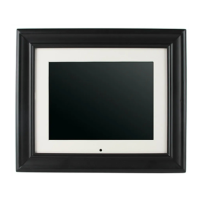
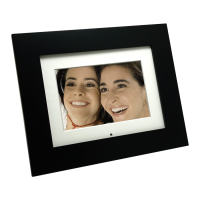
Digital Photo Frame
AC Power Adapter (9v, 2A)
This User's Guide
Remote Control
USB Cable
Decorative Frame
Quick Start Guide
Warranty Card
Quick Start Guide
This section describes the easy steps needed to display your first Slide Show.
Setting Up the Digital Photo Frame
The Digital Photo Frame is easy to set up. Just follow these steps:
1. Plug the AC Power Adapter into the Digital Photo Frame into a wall outlet.
2. Insert a memory card into the appropriate slot.
Slot 1 - Secure Digital
TM
or MultiMedia Cardt
Slot 2 - Compact Flash
TM
Slot 3 - Memory Stick
TM
, MemoryStick Pro , Memory Stick Duo
TM
or
Memory Stick Pro Duo
TM
Slot 4 - xD Memory Card
TM








 To Next Page