22
Available, Away, Invisible Status of AIM
Online, Away, Busy, Oine Status of
MSN
Available, Busy, Invisible Status of
YAHOO
You have received one or more IM
messages
N
Network dependent
Setting the phone mode
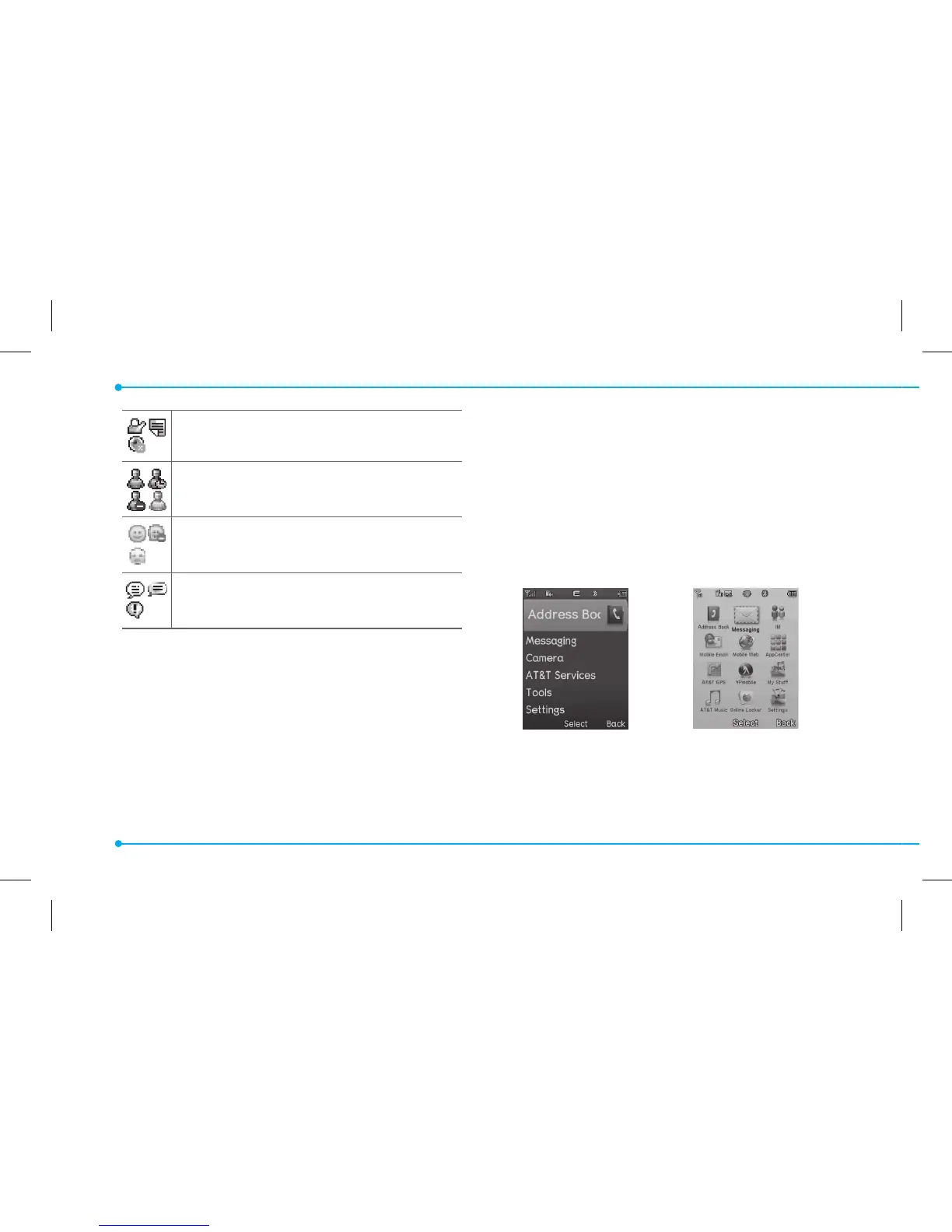
Your phone has two customized modes,
Breeze and Advanced. The default is set
to Breeze mode which provides EZ access
to the functions used most frequently.
In the Breeze mode, you can view an
abbreviated menu: Address Book,
Messaging, Camera, AT&T Services, Tools
and Settings. The Advanced Mode allows
access to all menu items.
Breeze Mode Advanced Mode
To change the phone mode
1. Press Menu > Settings > Phone
Mode.



 To Next Page