34
Using video share
You can share live or recorded video while
on a call. You can send or receive video.
note: Video Share is not available in all
markets. Both parties must be in a 3G service
area–a 3G icon must appear by the signal bars
prior to a call being placed, and both parties
must remain in the 3G coverage area for the
duration of the Video Share.
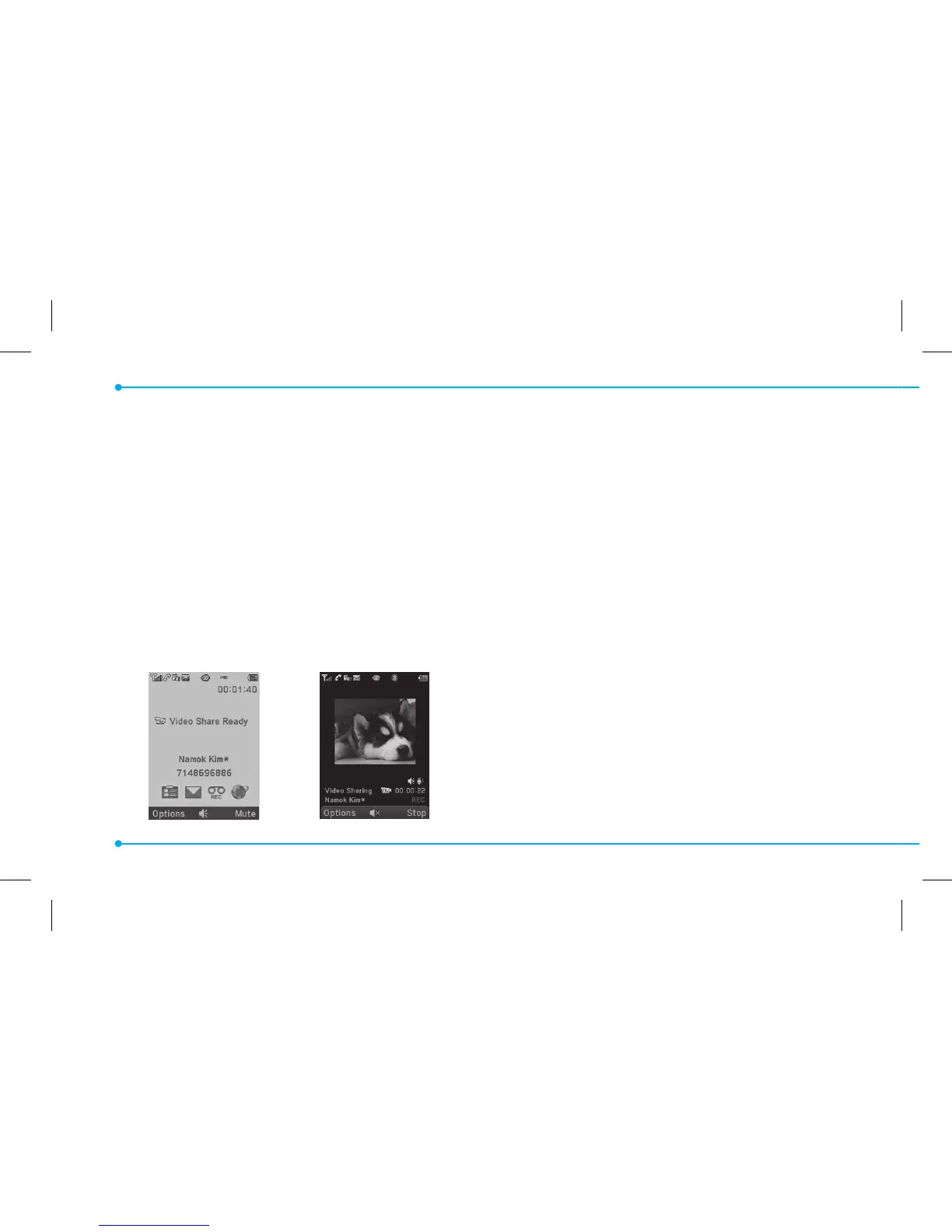
<Call mode> <Video Share Mode>
Making video share call
1. Enter the area code and phone number
>
S
.
2. Press Options > Video Share.
3. Select Live or Recorded.
note: To use video share in the Recent Calls,
press Options > Video Share.
Turning o the speakerphone
1. Press
@
or press Options >
Speakerphone O during video share
mode.
2. Press Options > Mute to mute the
sound.



 To Next Page