6868
Calendar
Calendar helps you manage
your schedule including
your time for calls or special
days. You can set a reminder
on any given date with this
function.
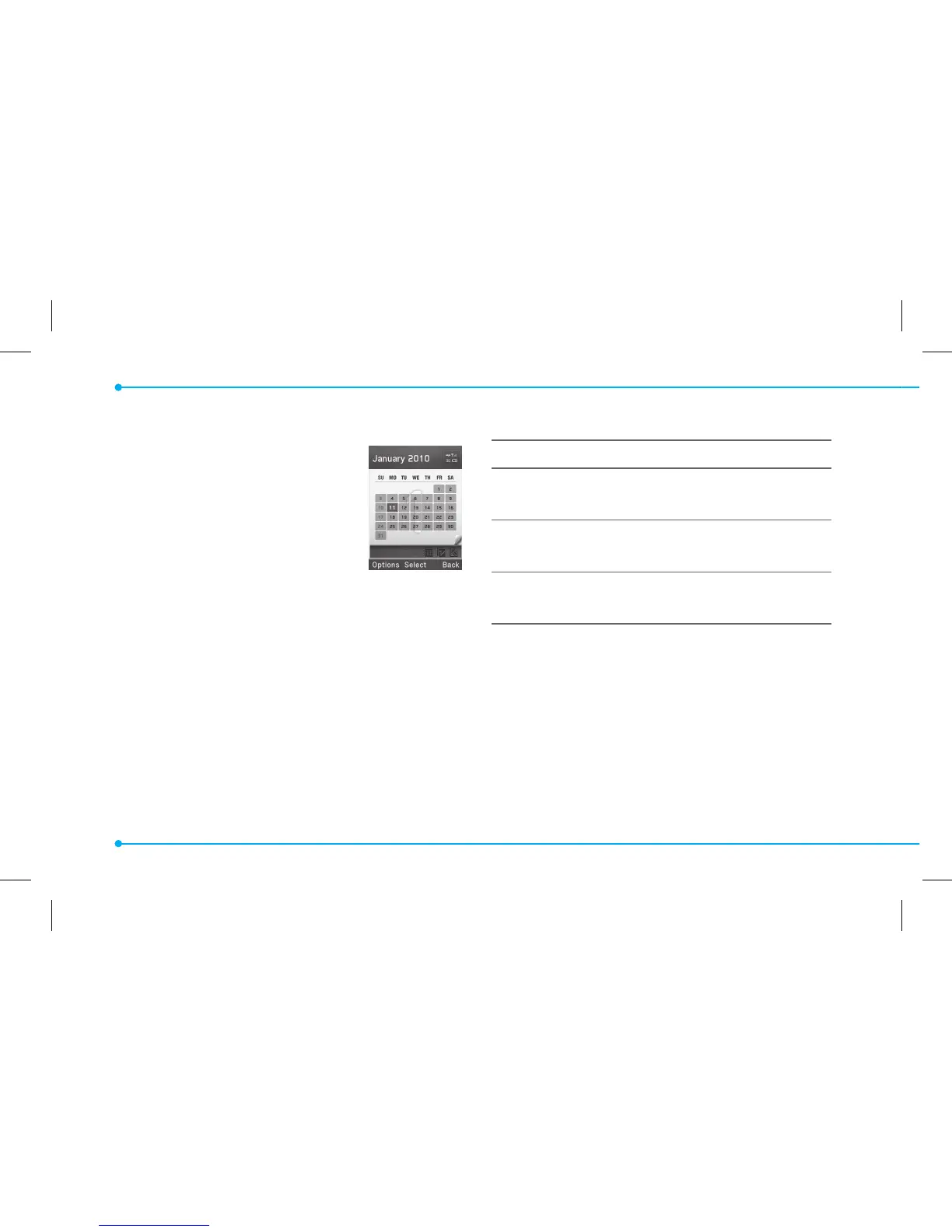
Viewing calendar
1. Press Menu > Tools > Calendar.
note: You can also access Calendar by pressing
C
in standby mode. View by Month is
default setting for Calendar.
In the monthly view
To Press
Move to another
day
L
for Previous
R
for Next
Move to another
week
U
for Previous
D
for Next
View other
month
Side key down for Previous
Side key up for Next
Creating a new event
1. Select a day and press Options > New
Event.
2. Select Schedule, Task or Note.
3. Input the event and press Save.
note: You can create events for dates from
01/01/2000 to 12/31/2099.


 To Next Page
 Loading...











