7070
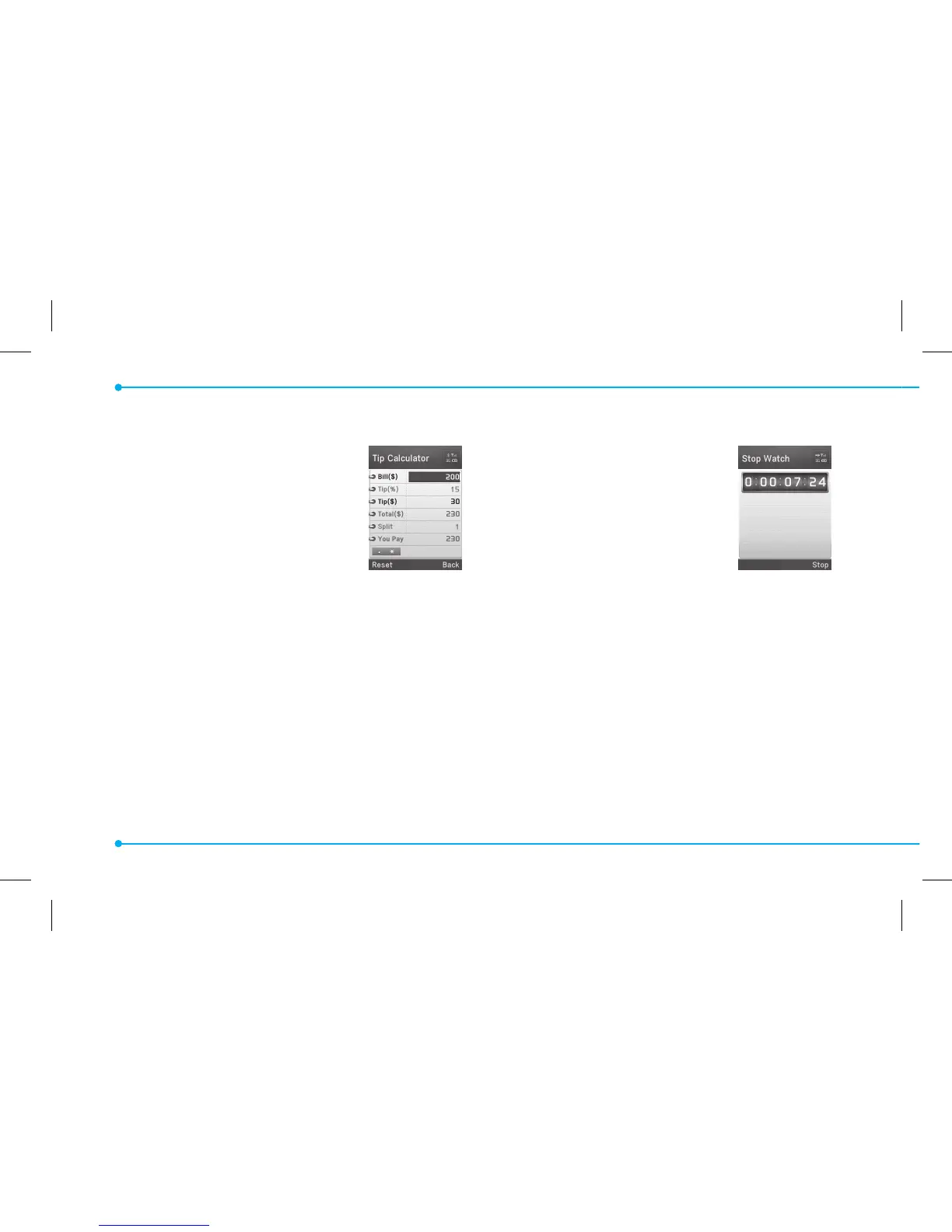
Tip calculator
1. Press Menu > Tools > Tip
Calculator.
2. Enter the values for all the
variable elds (Bill($),
Tip(%), Split) and then
the corresponding calculation elds
(Tip($), Total($), You Pay) are updated
automatically.
3. Press
*
to use the decimal point.
4. Press Reset to reset.
Stop watch
1. Press Menu > Tools >
Stop Watch.
2. Press Start to start.
3. Press Stop to stop.
4. Press Continue to restart
or press Reset to clear.
5. To change to lap time, press Mode >
Lap Time Mode.
6. To split the stopwatch, press Mode >
Split Time Mode.



 To Next Page