88
C R U X
{ t
Camcorder
Setting Description
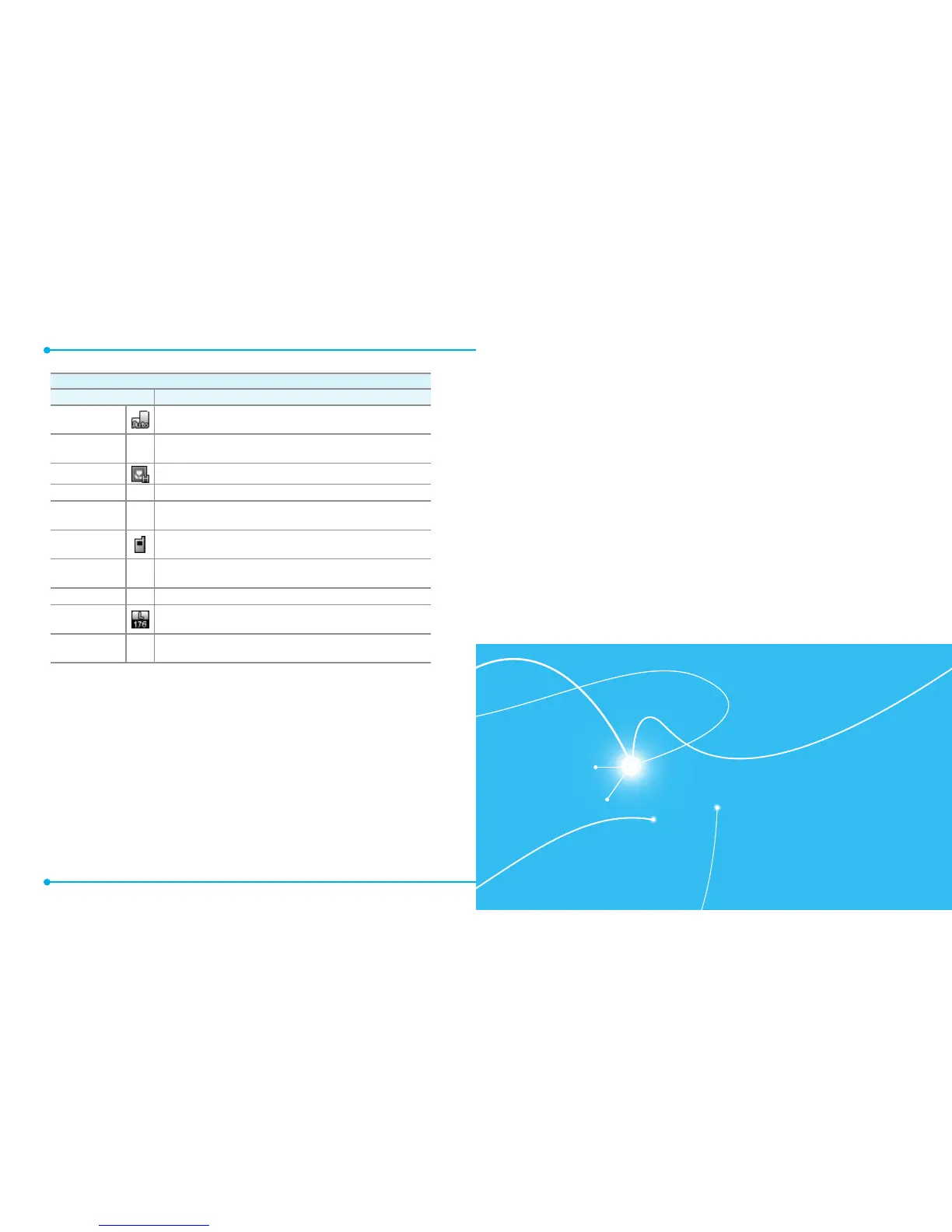
Display Mode
Changes the display view in the camcorder (
Auto
/
Landscape
/
Portrait
).
White Balance
–
Adjusts the color balance according to your lighting conditions
(
Auto
/
Sunny
/
Cloudy
/
Tungsten
/
Fluorescent
/
Darkness
).
Video Quality
Changes the video resolution (
High
/
Medium
/
Low
).
Recording Time
–
Allows you to set the video recording time (
For Send
/
For Save
).
Color Effects
–
Changes the color effect (
Normal
/
Antique
/
Black & White
/
Negative
).
Save Options
Selects the default memory location for saving videos (
Phone
Memory
/
Card Memory
).
Auto Save
–
Allows you to set the phone to automatically save videos after
recording them (
ON
/
OFF
).
Shutter Sound
–
Selects the shutter release sound (
Shutter
/
Silent
).
Video
Resolution
Changes the video resolution (
176X144
/
640x480
/
320x240
).
Restore Factory
Settings
–
Restores all camcorder settings to their default values (
YES
/
NO
).
USING A microSD
TM
CARD
SEARCH
MUSIC & TONES
PICTURE & VIDEO
GAMES
BROWSER
BROWSE & DOWNLOAD
EXTRAS
DIRECTIONS
6
Your phone provides a unique feature - Media Center - that enables
you to download ringtones, wallpapers, games and more from your
network to your phone. Please contact your service provider for the
availability of these services.
MEDIA CENTER



 To Next Page