Need help?
Do you have a question about the Pantum P2500W Plus Series and is the answer not in the manual?
Welcome message, legal notices, trademarks, copyright, and disclaimers.
Essential safety guidelines for using the printer, including power and laser safety.
Specific warnings related to high-voltage electrodes, electric shock, and hot components.
Important precautions before using the printer to ensure safe and proper operation.
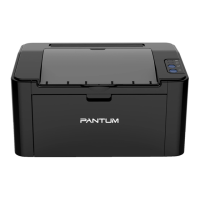
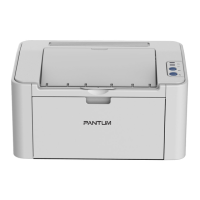
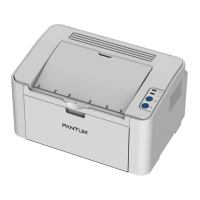
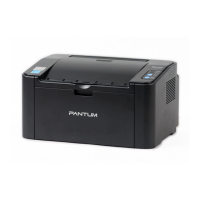
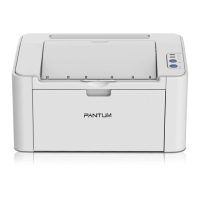
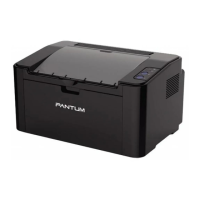
Overview of the printer series, its parts, included accessories, and toner cartridge.
Guidelines on paper types, sizes, weights, loading, and selection for optimal printing.
Specific instructions and standards for using special paper types like labels and envelopes.
Methods to obtain, install, and configure printer drivers for various connection types.
Steps to remove printer drivers from Windows and macOS operating systems.
Configuring IP addresses and installing the printer on a wired network.
Connecting the printer to a wireless network using basic or hotspot modes.
Frequently asked questions and solutions for wireless network setup issues.
Using Pantum App, Mopria, and AirPrint for printing from mobile devices.
Overview of the control panel and detailed functions of its buttons.
Explains the status indications for LED1, LED2, and their combinations.
Explains print features like collate, N-in-1, and provides steps for manual duplex printing.
Procedure to cancel an ongoing print job from the printer's control panel.
Steps for cleaning the exterior and interior of the printer.
Guidelines for proper use, storage, and replacement of the laser toner cartridge.
Step-by-step guide to remove jammed paper from the feed port and inside the printer.
Addresses common printer problems and identifies causes/solutions for print defects.
Detailed technical specifications of the printer model, including dimensions and performance.

 To Next Page
 General