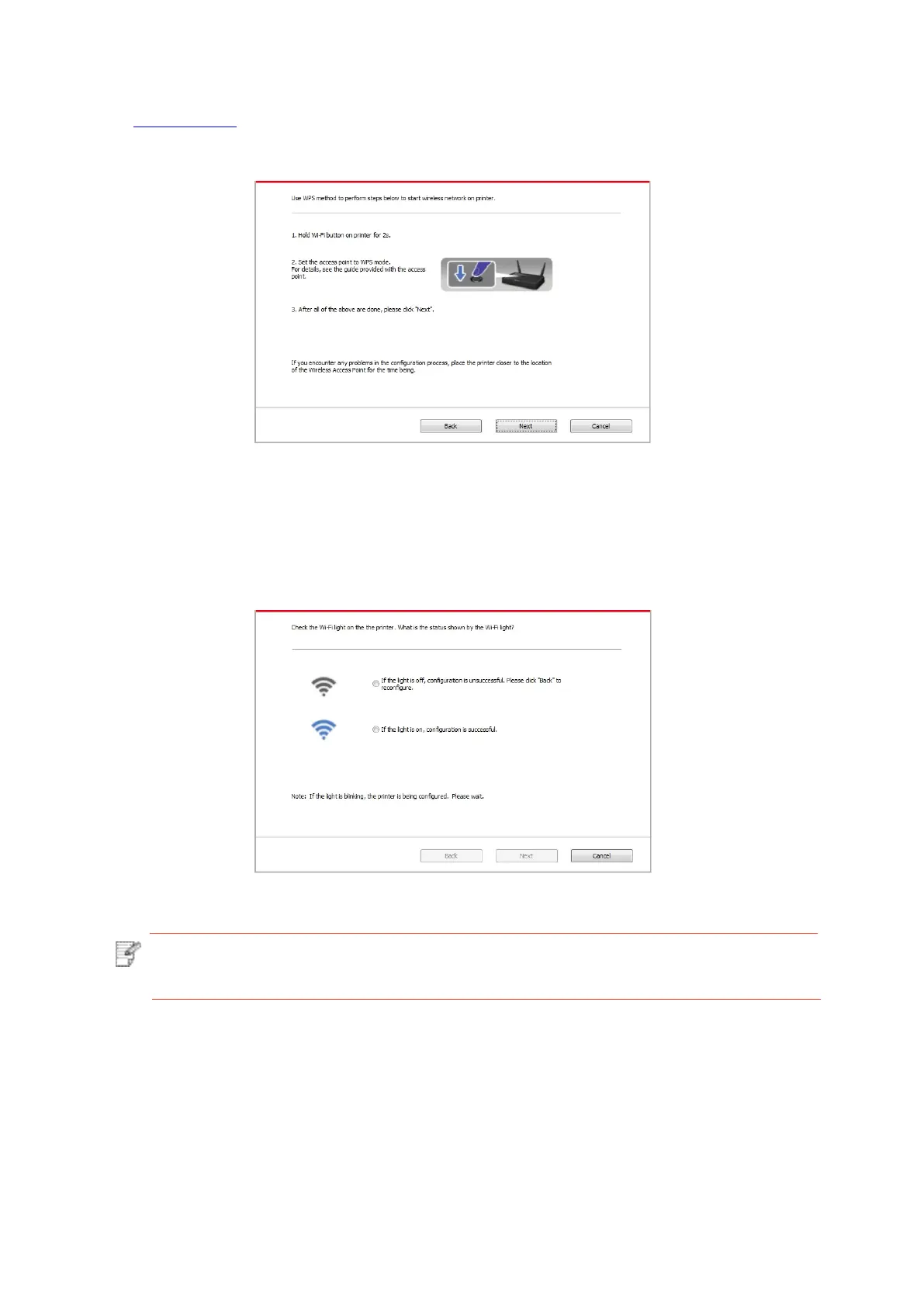
1) Use WPS method to perform steps below to start wireless network on printer. (Please refer
to Chapter 5.1.2fordetailedWPSconfiguration)
2) Judge if the printer is successfully connected according to the status of Wi-Fi indicator
onprinter.Ifconfiguration failed,pleaseclick“Previous”toconfigure again;ifconfiguration
succeeded,pleaseclick
“Done”tocompleteconfiguration.
Note:•Iftheprintercannotbeusednormallyafterwirelessnetworksetupisfinished,
please install the drive again.



 To Next Page
 Loading...