Need help?
Do you have a question about the Papago GoSafe S780 and is the answer not in the manual?
General usage instructions for the dash cam, including power management and battery saving.
Guidelines for selecting and formatting Micro SD cards for optimal dash cam performance.
Lists all the items included in the dash cam package for user verification.
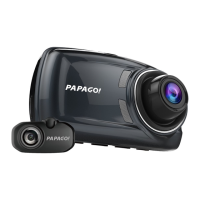
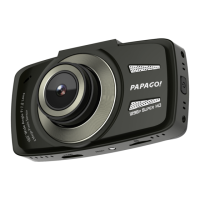
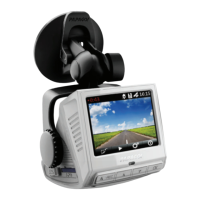
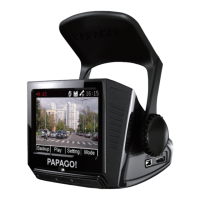
Provides a visual overview of the dash cam's components and their labels.
Details two methods for installing the dash cam, covering front/rear and front/cabin placement.
Instructions for powering on the dash cam, including SD card installation and initial recording.
Procedure for properly powering off the dash cam to prevent data corruption.
Explains the meaning of different LED colors and their corresponding states (power, recording).
Explains the function of each button in different modes (recording, playlist, replay).
Details the indicators shown on the dash cam display during recording.
Describes different recording modes like Automatic, Monitor, and Motion Detection.
Covers features like Stop Sign Recognition, Stop & Go, and Driver Fatigue Alarm.
Configuration options for volume, microphone, EV, resolution, display, and bump recording.
Settings for date/time, language, screen saver, and memory card management.
Explains the continuous recording process and how old footage is managed when the SD card is full.
Details manual and automatic methods for saving important recordings during emergencies.
Instructions on how to take a snapshot and where snapshot images are stored.
Guides users on transferring recorded files from the device to a computer via USB.
Explains the process of transferring files from the Micro SD card to a computer.
How to navigate, play, and delete recorded videos and photos from the device.
 General
| Video Resolution | 1920 x 1080 (Full HD) |
|---|---|
| Field of View | 140 degrees |
| GPS | Yes |
| G-Sensor | Yes |
| Loop Recording | Yes |
| Storage | Up to 128GB |
| Frame Rate | 30 fps |
| Parking Mode | Yes |
| Memory Card Type | microSD |
| Night Vision | Yes |
| Battery | Built-in Lithium-ion |

 To Next Page