Need help?
Do you have a question about the Papago GoSafe 550 and is the answer not in the manual?
Provides usage advice and warnings for the dash cam, including battery drain prevention.
Details requirements and formatting procedures for Micro SD cards used with the device.
Lists the items included in the dash cam package and instructions for checking them.
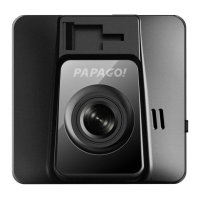
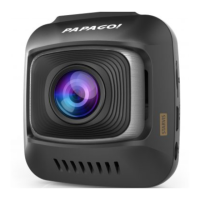
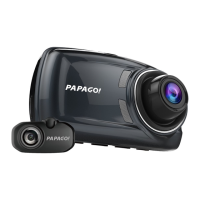
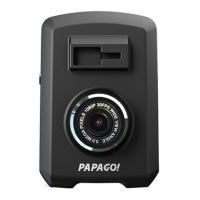
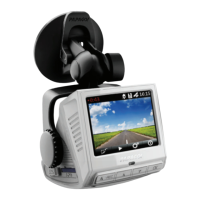
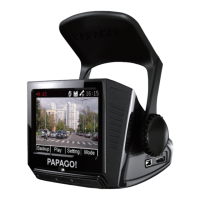
Identifies and explains the various components and physical parts of the dash cam device.
Guides on the optimal mounting position for the dash cam within a vehicle's windshield.
Instructions on how to turn on the dash cam and begin recording automatically.
Steps to properly turn off the dash cam and avoid corrupting recorded files.
Explains the function and behavior of each button on the dash cam.
Details the icons and indicators shown on the screen during recording mode.
Configures recording types like automatic, monitor, and motion detection.
Explains features like lane departure, stop sign recognition, and fatigue alarm.
Adjusts exposure, resolution, date/time, language, and card formatting.
Explains continuous video recording and file overwriting when the SD card is full.
Covers manual and automatic backup for critical event recordings triggered by impact.
Guides on taking snapshots and transferring files via USB or Micro SD card.
Guides on previewing, playing, and deleting recorded videos and photos.
Outlines the terms, conditions, and duration of the product's limited warranty.
 General
| Video Resolution | 1080p |
|---|---|
| Field of View | 140 degrees |
| GPS | Yes |
| Loop Recording | Yes |
| G-Sensor | Yes |
| Night Vision | Yes |
| Storage | MicroSD card (up to 64GB) |
| Power Source | Car charger |

 To Next Page