Need help?
Do you have a question about the Papago GoSafe 220 and is the answer not in the manual?
Lists items included in the product package.
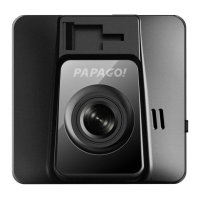
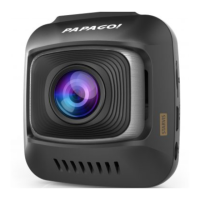
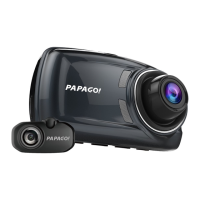
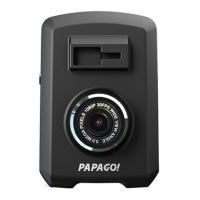
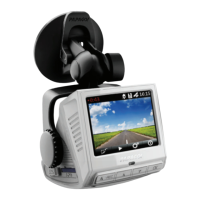
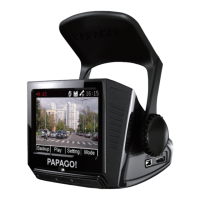
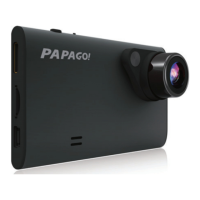
Details the components and parts of the driving recorder.
Provides guidance on the best mounting location for the dash cam.
Instructions on how to turn on the dash cam device.
Explains how to navigate between different operating modes.
Steps for safely shutting down the dash cam.
Describes the function of each button on the device.
Explains the recording interface and indicators.
Options for configuring recording parameters like resolution and loop recording.
System-level configurations including date, time, language, and format.
Settings related to capturing still images and camera parameters.
 General
| Field of View | 140 degrees |
|---|---|
| Storage | MicroSD card (up to 32GB) |
| Loop Recording | Yes |
| G-Sensor | Yes |
| Parking Mode | Yes |
| Motion Detection | Yes |
| Screen Size | 2.0 inches |
| Night Vision | Yes |
| Battery Type | Lithium-ion |
| Video Resolution | 1080p |
| Display | 2.0-inch LCD |
| Battery | Built-in |
| Viewing Angle | 140 degrees |
| Memory Card Support | MicroSD (up to 32GB) |

 To Next Page