OneScreen Monitoring™
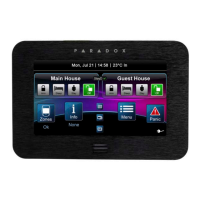
To Access OneScreen Monitoring*:
1. Press the button.
2. View open/closed zones (an open door
means a zone is open).
3. Press on the Settings button (top
right corner) to access more options.
*OneScreen Monitoring is an optional feature.
Please contact your installer for more information.
Settings Screen



 To Next Page


