Login To Badger, Enable Device
Hardware Setup
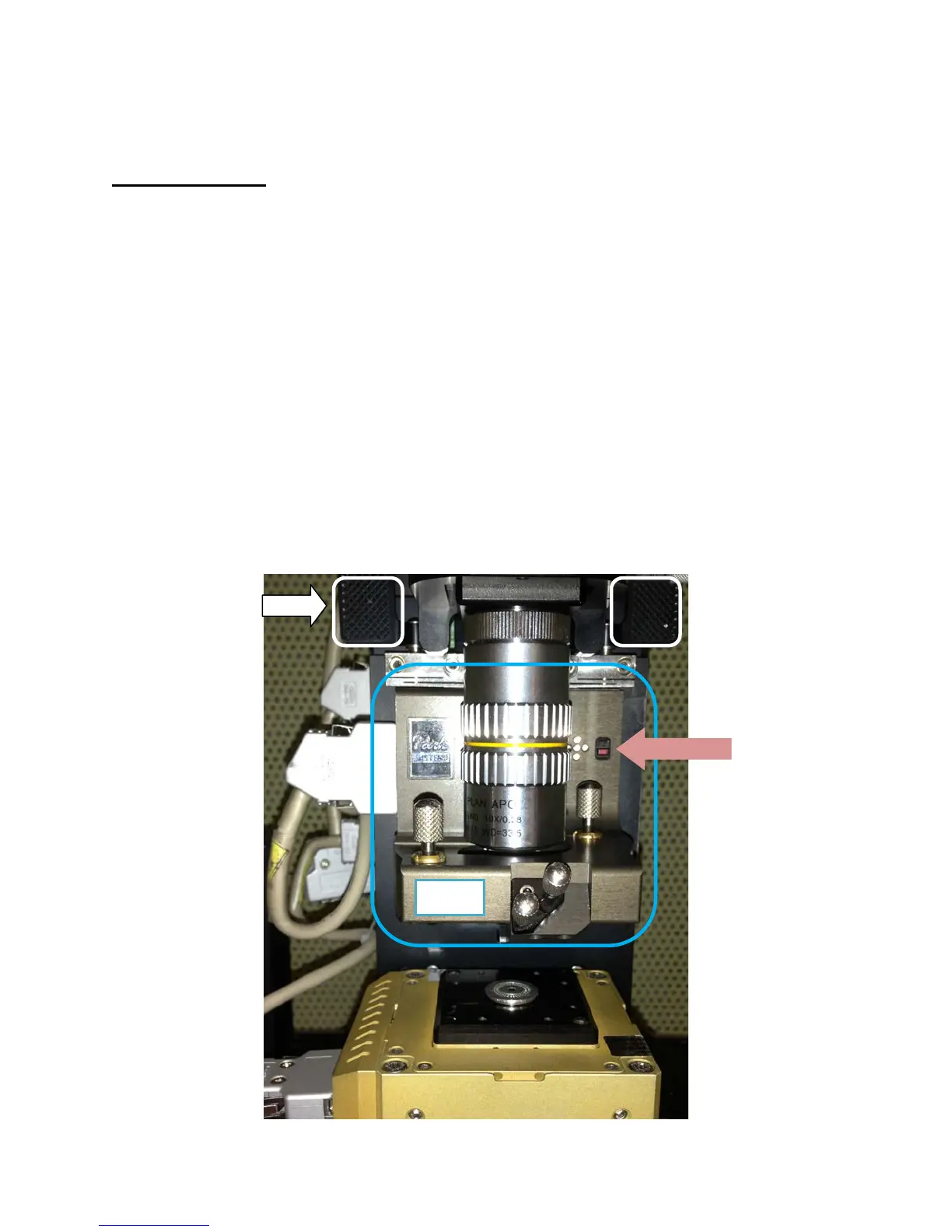
1) Unplug head and remove it by pulling flaps towards you and sliding head out to the right.
Never handle head from bottom to ensure safety of the AFM tip.
2) Mount sample on stage
3) Mount a new tip if one is not already mounted. If using your own tips, CAREFULLY remove
the existing tip and place it in the ‘good’ tips box. Ensure new tip is rested in place and that
bearings fit into tip slots.
4) Replace head and push flaps away from you until slightly tight. This secures the head
position. Plug head in.
5) Check that SPM Controller and Monitors are On (should already be on)
6) Turn on Light Bank and Laser (via “Laser Switch”). LEDs on head indicate general location
of laser on photodetector.
7) Open ‘uEye Demo’, click on Open USB Camera (icon in top left corner). Drag window to
right hand monitor.


 To Next Page