Safe Use Instructions
To open the barrier:
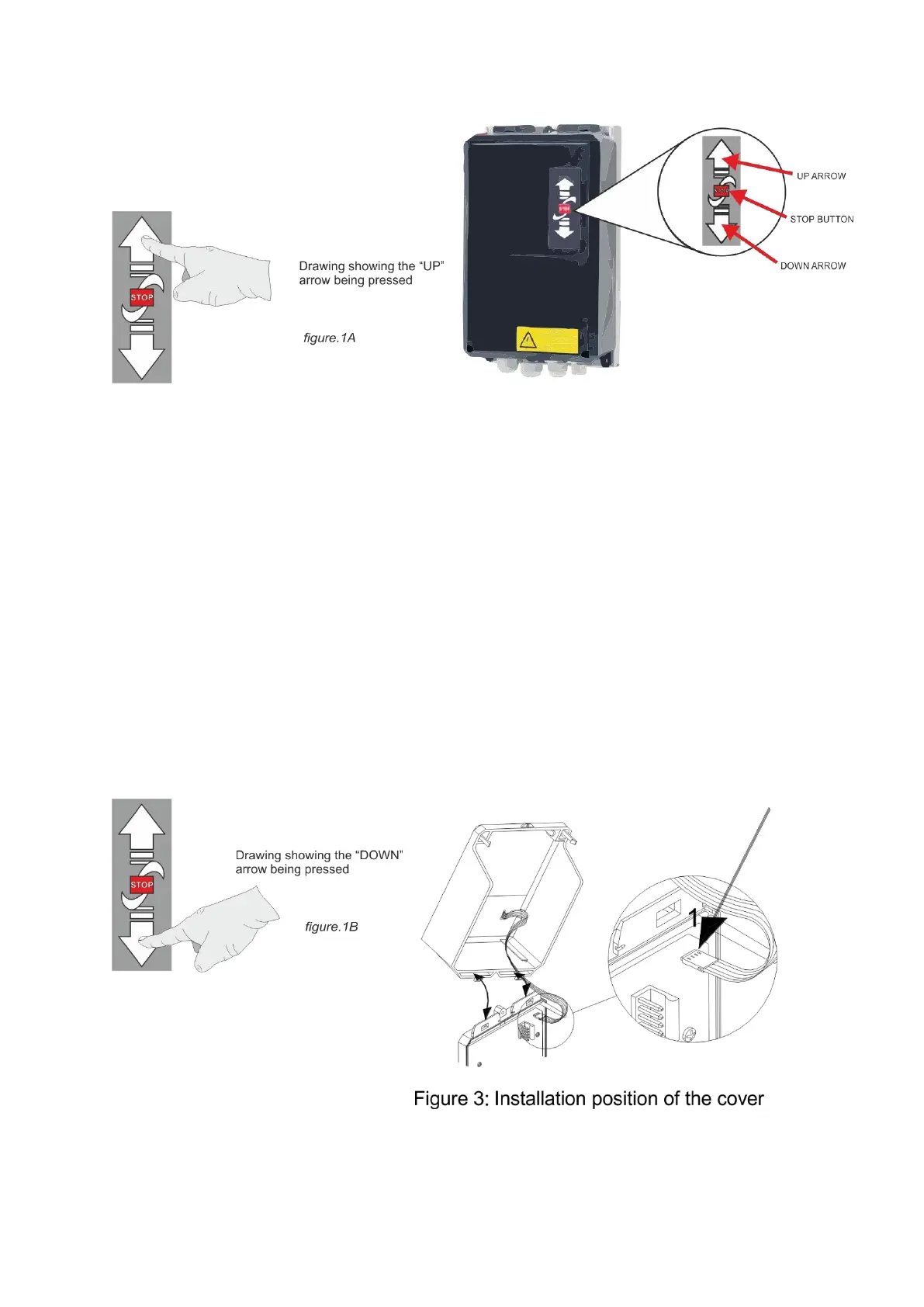
The barrier may be opened using the Open push button input, panel mounted keypad button, exit
loop or radio fob (if fitted). The barrier will smoothly accelerate to fast speed until the intermediate
limit is reached, at which point the barrier will smoothly decelerate for the remainder of the travel
distance. The barrier may be closed using the Auto-Close function, the Close button input, panel
mounted keypad button or radio fob. The barrier will smoothly accelerate to full speed until the
intermediate limit is reached, at which point the barrier will decelerate for the remainder of the
travel distance.
If a safety device is activated (i.e. safety edge or photocell) during the closing cycle the barrier will
stop & return to the fully open position. The barrier may only be closed once the obstruction has
been removed.
To close the barrier:
If a safety device is activated (i.e. safety edge or photocell) during the closing cycle the barrier will
stop & return to the fully open position. The barrier may only be closed once the obstruction has
been removed.
The barrier can also be closed by external devices but also using the down arrow on the front of the
control panel.


 To Next Page