Parkit360 Force Owner’s Manual 5
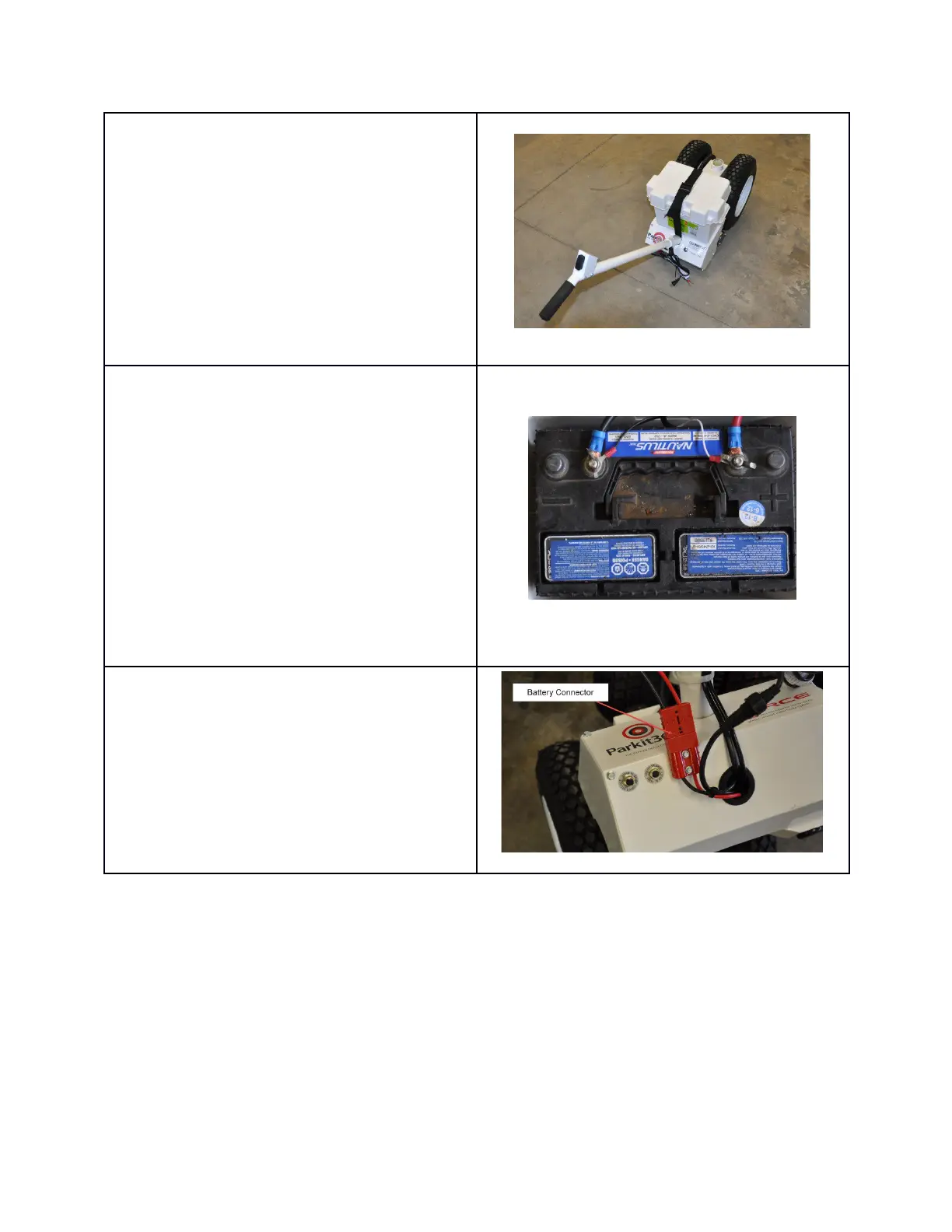
3. If you purchased the unit with the
optional Battery Box, install it now.
(Optional). The Parkit360 Force also
has the option of being powered using
your trailer battery.
Skip this step if you are using your
trailer battery to power the Parkit360
Force.
4. Install the battery (optional). For the
battery terminals the colour code is as
follows:
a. RED is Positive
b. BLACK is Negative
For the battery charger, the colour
code is as follows:
a. WHITE is Positive
b. BLACK is Negative
5. Connect the battery connection plug
as shown:
Connecting optional 80” cable to trailer battery (or batteries):
-If your trailer has a single 12 volt battery, connect the 80” cable while observing proper
polarity. Red connects to the positive terminal ( +) and the Black to the negative (-)
-If your trailer has 2 batteries (typically these will be 6 volt batteries, in series to provide
12 volts), it is very important to connect the 80” cable to the proper terminals. See
picture below of a typical installation.
www.parkit360.ca



 To Next Page