EasyManua.ls Logo

Parkside 373770 2204 - User Manual

Parkside 373770 2204
144 pages
Go to English
Print Icon
To Next Page IconTo Next Page
Loading...
IAN <<IAN>>
Válcový zahradní drtič
Překlad originálního provozního návodu
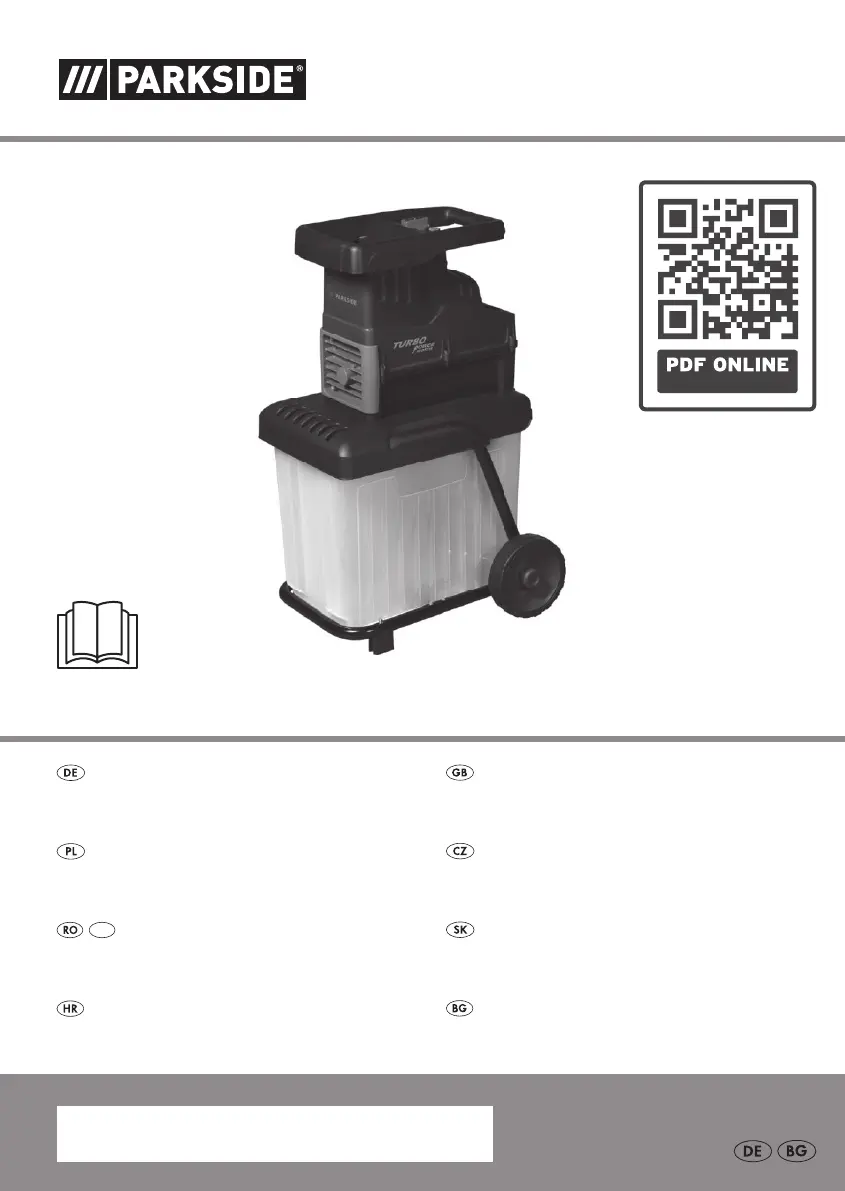
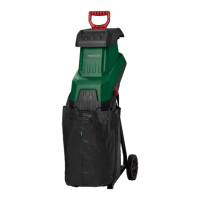
Walzenhäcksler / Garden Shredder PWH 2800 A1
Rozdrabniacz do gałęzi
Tłumaczenie oryginalnej instrukcji obsługi
Valcová rezačka
Preklad originálneho návodu na obsluhu
IAN 373770_2204
Walzenhäcksler
Originalbetriebsanleitung
Garden Shredder
Translation of the original instructions
Sjeckalica
Prijevod originalnih uputa za uporabu
Валцова дробилка
Превод на оригиналното ръководство за експлоатация
Tocător cu valț
Traducerea instrucţiunilor de utilizare originale
MD

Table of Contents

Questions and Answers

  • M
    Maria BergAug 7, 2025
    What to do if my Parkside Paper Shredder motor is not running?
    • C
      Christopher SweeneyAug 8, 2025
      If the motor of your Parkside Paper Shredder isn't running, there are several potential causes: * The collection box might not be correctly positioned. Ensure it is properly inserted and that the safety switch on the collection box is pushed up as far as it can go, so only the green “ON” field is visible. * The overload protection may be activated. To resolve this, turn the rotary switch to the “OFF” position, press the reset button, and then turn the device back on. * There might be no mains power supply. Check the socket, cable, line, and plug. If necessary, have them repaired by a qualified electrician. * The safety switch on the collection box might not be engaged. Push the safety switch up fully so that only the green “ON” field is visible.
  • K
    Kelly BarkerAug 22, 2025
    What to do if shredded material hangs together in a chain when using my Parkside Paper Shredder?
    • C
      Chad LewisAug 22, 2025
      If shredded material hangs together in a chain when using your Parkside Paper Shredder, the pressure plate might not be correctly inserted. Adjust the pressure plate.

Summary

Intended Purpose

Technical Data

Safety Information

Graphical Symbols on the Machine

Explains the meaning of various warning and informational symbols displayed on the machine.

Symbols and General Safety

Symbols Used in the Instruction Manual

Clarifies the meaning of hazard and advisory symbols used within the instruction manual.

General Safety Instructions

Outlines essential safety precautions, including personal protective equipment and operating environment.

Assembly Instructions

Operation

Switching On and Off

How to safely power the shredder on and off, including restart procedures.

Working Instructions

Maintenance and Cleaning

Troubleshooting

Parkside 373770 2204 Specifications

General IconGeneral
Model Number373770 2204
Frequency50 Hz
Shredding Size4 mm
Power Consumption220 W
Dimensions32.4 x 18.5 x 41.2 cm

Related product manuals