40
GB
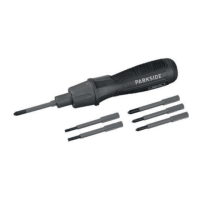
bits, they should either be
may only be carried out by
these insulated bits in com-
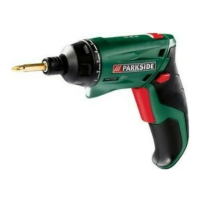
bination with the PASD 4 B2
cordless screwdriver!
-
nents using bits that are not
This results in the following
dangers:
- Risk of electric shock for the
user;
-
(voltage) at the charging
via the connected USB-C
cable at other sources;
- The insulated bits must not
be used with other manual
ratchet, etc.).
Inserting the bit
1. To insert
the bit holder (2).
2. To remove it
Switching on/off
as long as the device is switched
on. After switching off, the LED
work light switches off automati-
cally with a short delay.
-
fore starting work with the de-
vice. Do not use any extension
may only be used indoors.
1. To switch on the device,
switch (4).
To screw in screws:
Clockwise direction (5)
To unscrew screws:
Counter-clockwise
2. To switch off, release the
direction button (4).






 To Next Page