13GB
Getting started
Irrigation can be fully automated at any time of the
day using this product.
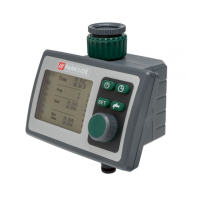
After installation, the product automatically carries
out irrigation at the respective programmed start
time and for the programmed duration.
1. Insert batteries into the product (see “Inserting/
replacing batteries“).
2. Connect the product to a faucet
(see “Installation“).
3. Pair the product with the Gateway (see “Pairing
product and mobile device“).
4. Remove the protective foil from the product.


 To Next Page