6.1.7 EPSON ESC/POS command list
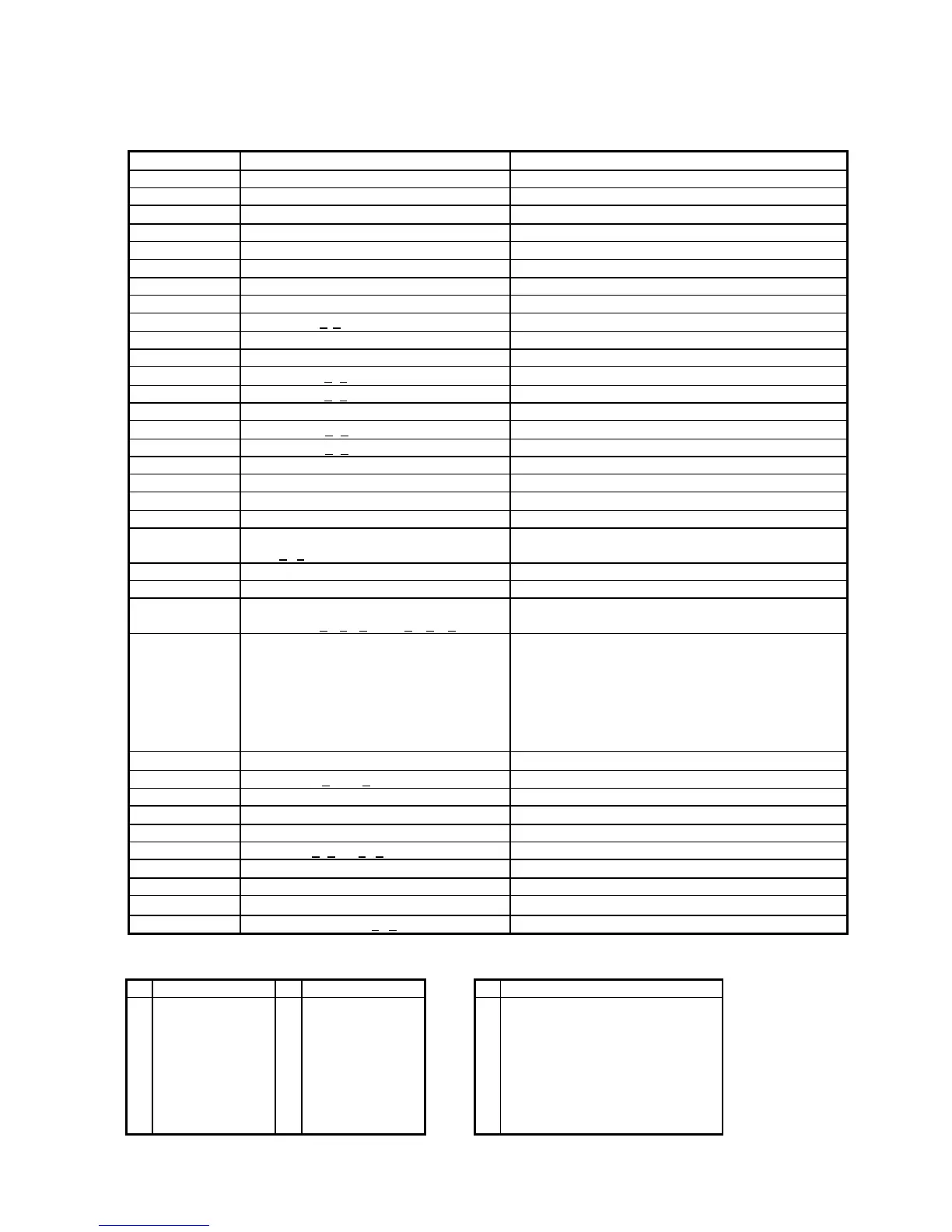
Command Code description(hex) Function description
HT 09 move cursor right
BS 08 move cursor left
US LF 1F 0A move cursor up
LF 0A move cursor down
US CR 1F 0D move cursor to right-end position
CR 0D move cursor to left-end position
HOM 0B move cursor to home position
US B 1F 42 move cursor to bottom position
US $ x y 1F 24 x y 1<x<20,y=1,2 move cursor to specified position
CLR 0C clear display screen
CAN 18 clear cursor line
US X n 1F 58 n 1<n<4 brightness adjustment
US E n 1F 45 n 0<n<255 blink display screen
ESC @ 1B 40 initialize display
ESC t n 1B 74 n 1<n<15 select character code table
ESC R n 1B 52 n 1<n<15 select international character set
US r n 1F 72 n n=0,1 select/cancel reverse character
US MD1 1F 01 specify overwrite mode
US MD2 1F 02 specify vertical scroll mode
US MD3 1F 03 specify horizontal scroll mode
ESC & s n m
[a(p1..pa)]x m-n
1B 26 1 n m [a(p1..pa)]x m-n
20h<n<m<FFh; a=1-5, p1..p5=row1..row5
define download characters
ESC ? 1B 3F delete download characters
ESC % 1B 25 select/cancel download character set
ESC W n s x1 y1
x2 y2
1B 57 n s x1 y1 x2 y2
n=1-4,s=0,1,1<x1<x2<20; 1<y1<y2<2
reset window range
ESC = n 1B 3D n (default n=2)
n=1; enable printer, disable display
n=2; disable printer, enable display
n=3; enable printer, enable display
For CD7220D only:
n=4; message for customer side
n=5; message for operator side
select peripheral device
US : 1F 3A set starting/ending position to define macro
US ^ n m 1F 5E n m, 0<(n, m)<255 execute and quit macro
US @ 1F 40 execute self-test
ESC s 1 1F 73 01 store defined download character to EEPROM
ESC d 1 1F 64 01 restore user-define character from EEPROM
ESC T h m 1B 54 h m ,0<h<23 0<m<59 display time
US . n 1F 2E n , n = a displayable character code specify period
US , n 1F 2C n , n = a displayable character code specify comma
US ; n 1F 3B n , n = a displayable character code specify semicolon (period + comma)
US # n m 1F23 n m , n= 0 or 1 , 0<m<20 turn annunciator ON/OFF
Table 6-10
Set international font for ESC/POS (Table 6-11) Select code for ESC/POS (Table 6-12)
n International font set n International font set n


 To Next Page
 Loading...