4 5
1
2
3 4
5
6
7 8
9
INT-250
POWER
MUTE
INPUT1 INPUT2 INPUT3
INPUT4
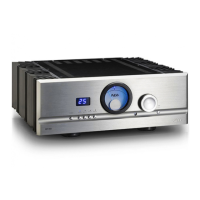
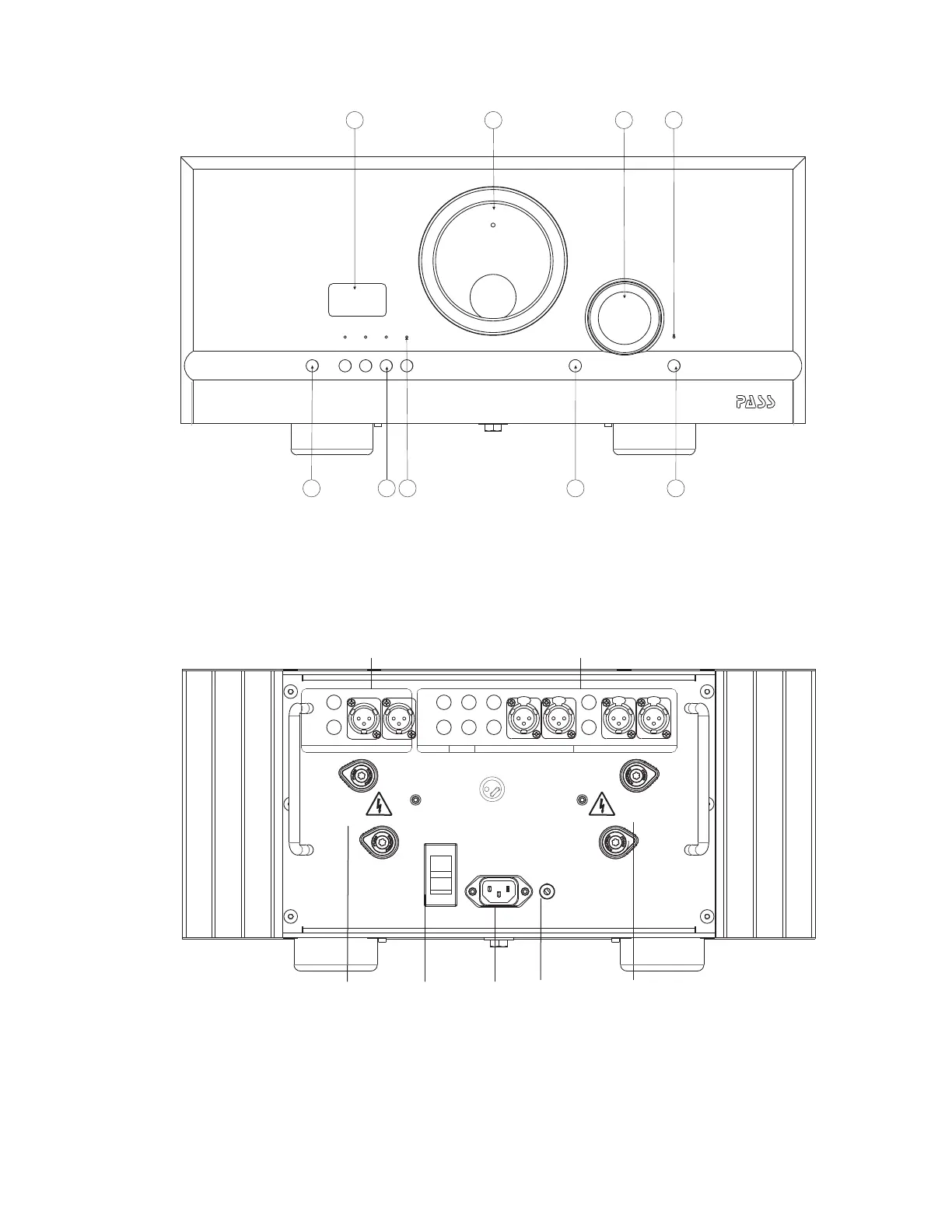
1. Standby Power button 2. Display - shows level 3. Input buttons (1 thru 4)
4. Input indicators 5. Meter 6. WindowLED IR
7. Volume control 8. Mute indicator 9. Mute buttonLED
1. Right Speaker Connection 2. Preamp outputs ( & ) 3. Power SwitchRCA XLR AC
4. Mains Inlet. 6. Preamp inputs ( & )AC RCA XLR
7. Signal Ground 8. Left Speaker Connection
Preamp Output
L
R R
L
Preamp Inputs
1234 RightRight Left LeftLeftRight
Left
Right
Jumper must be used
with single-ended input
No user serviceable parts inside.
3
12
Signal Gnd
Pass Laboratories, Auburn, CA 95602
~ AC Mains
2 6
1
3
4 7 8
volume
displayext amp on
pass thru
balance
tape
3
mute
54
21
power
PASS
Remote functions:
power:
mute: Mutes the output of the amplifier and
preamp
1,2,3,4: Direct input selection
volume: adjusts the output level
Basic Operations:
Power on / Off:
Once the -250 is turned on from the rear power switch, theINT
INT-250 can switch in to stand by mode from the front panel
power switch or the power button on the remote. In Stand By the
INT-250 draws less than 0.5 watts.
Front Display & Meter:
The display show volume level in one dB steps, from 0 to 63. The meter operatesLED
slightly different from our amplifiers in that this meter doesn’t show bias but output
voltage.
Input selection:
The inputs can be selected by the four buttons on the face plate or the input buttons (1-4)
on the remote.
Volume control:
The volume level can be set by using the volume control knob on the face plate of the
volume buttons on the remote
Mute:
The -250 can be muted from the front panel or remote. When in the displayINT MUTE
shows “00” and the above the button on the faceplate will be on.LED MUTE


 To Next Page
 Loading...