6
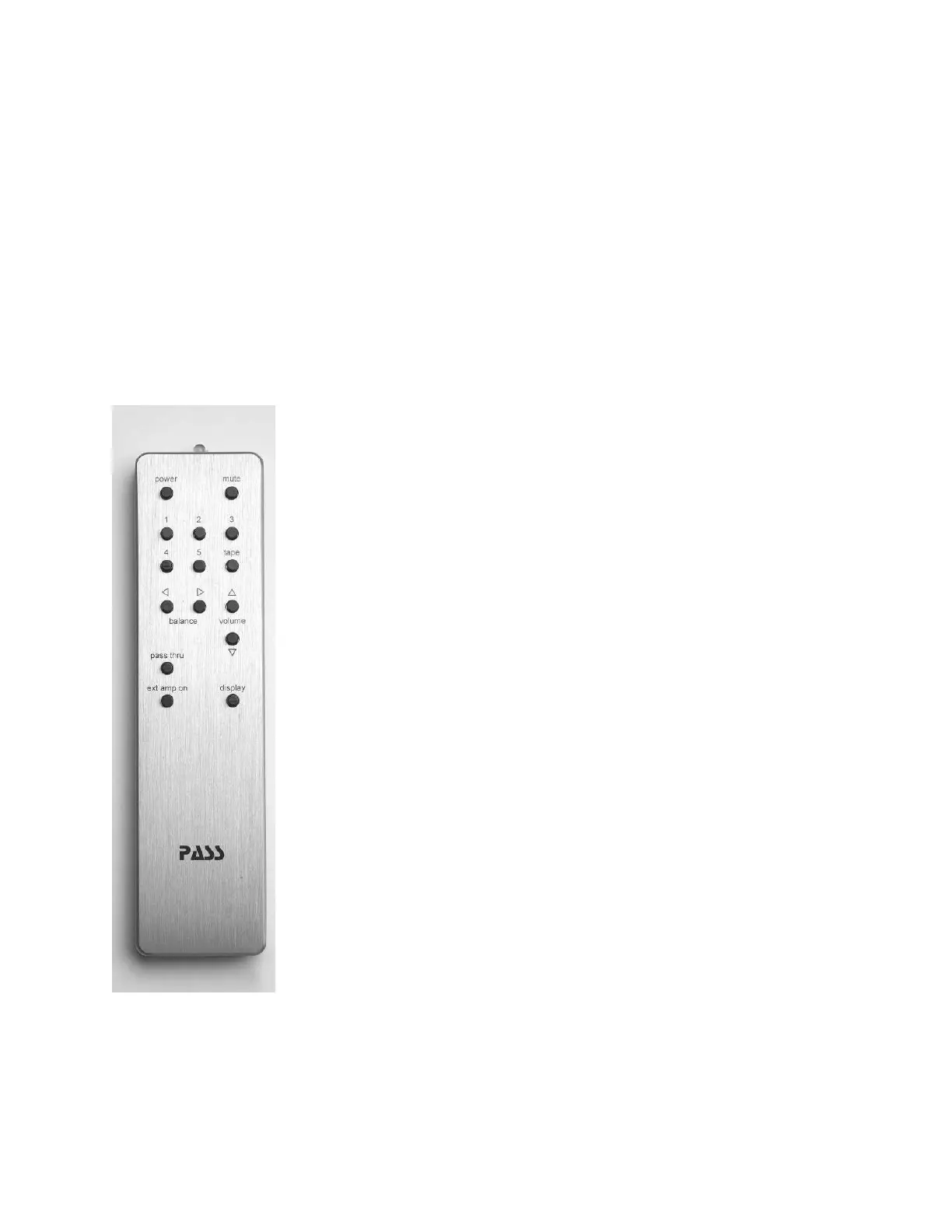
This remote is designed to operate several pieces of Pass Labs
electronics, not all of the functions available on this remote will
be applicable to your Pass Laboratories INT-60.
Power: Power button toggle the INT-60 between “on” and “stand-
by”.
Mute: pressing mute once will quiet the pre-amplifi er outputs;
pressing mute a second time will return you to the previous
volume control setting
Input Selection: Pressing. 1,2,3,4 will immediately move the input
selection to that input selection; volume and balance settings will
not be disturbed. Input 5 is not available on the INT-60
Volume: Pressing the increase (^) button or the decrease (v)
button will shift the volume setting 1dB, holding a button down
will increase or decrease the level until such time as you either
release pressure on the button or reach the limits of the volume
control.
Balance: is not used with the INT-60. This is used on other Pass
products and has no effect on this product.
Tape: is not used with the INT-60. This is used on other Pass
products and has no effect on this product.
Pass Thru: is not used with the INT-60. This is used on other Pass
products and has no effect on this product.
Display: is not used with the INT-60. This is used on other Pass products and has no
effect on this product.
Ext amp on: is not used with the INT-60. This is used on other Pass products and has no
effect on this product.
The use of a micro-controller allows all of the preamplifi er functions to be repeatable
and accurately controlled. The micro processor only controls the functions of the
preamplifi er. At no time does any of the input or output signal come into contact with
the digital control signals. The digital circuits are powered by a power supply that is
isolated from the analog supply. Should it ever be necessary to update the software
that controls the functioning of the preamp only the socketed micro processor need
be changed.


 To Next Page
 Loading...