pattersonfan.com
800.768.3985
13
STEP 6 - INSTALL FAN BLADES & SECURE BLADE SAFETY BRACKET
1) Care should be taken when installing the blades to ensure they are not bent or damaged, as this may
aect fan performance.
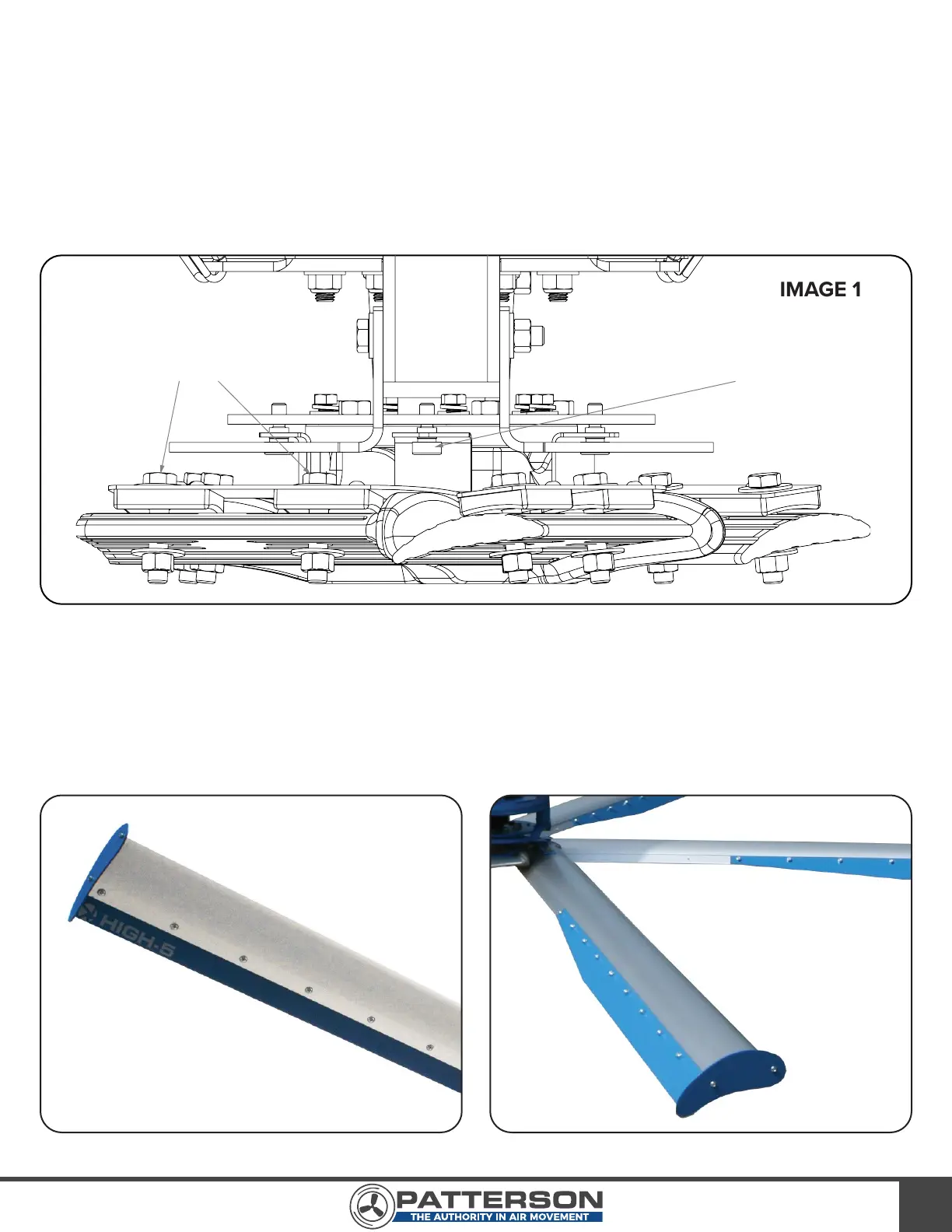
2) Remove blade bolts, nuts, and washers from blade “paddle” on the fan’s hub. Carefully slide the fan
blade into position until all blade bolt holes on the fan, blade, and safety bracket are aligned. Replace
blade bolts, nuts, and washers. Torque to 65 ft-lbs.
3) Install blade flaps using ¼” bolts and end caps using #10 x ½” screws provided. Ensure ¼” bolts are
tight on flaps. The pan head of the bolts go into the countersinks in the bottom of the blades. Refer to
Images 16 and 17 for more information.
4) Repeat steps 2 – 3 for the remaining four blades.
IMAGE 15
IMAGE 16 IMAGE 17
SAFETY BRACKET BOLT
BLADE BOLTS



 To Next Page