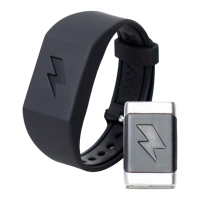
Press button 1 for the device to vibrate
Hold button 1 to turn on/off all LED lights for 30 seconds (Candle mode)
Hold button 2
to turn off an active alarm
to snooze active Hand Detect mode for 30 minutes
Press Button 2
to feel your programmed stimulus (snap by default)
to snooze an active alarm for 5 mins
Press button 3 to hear a chime
Hold button 3 to play a short melody
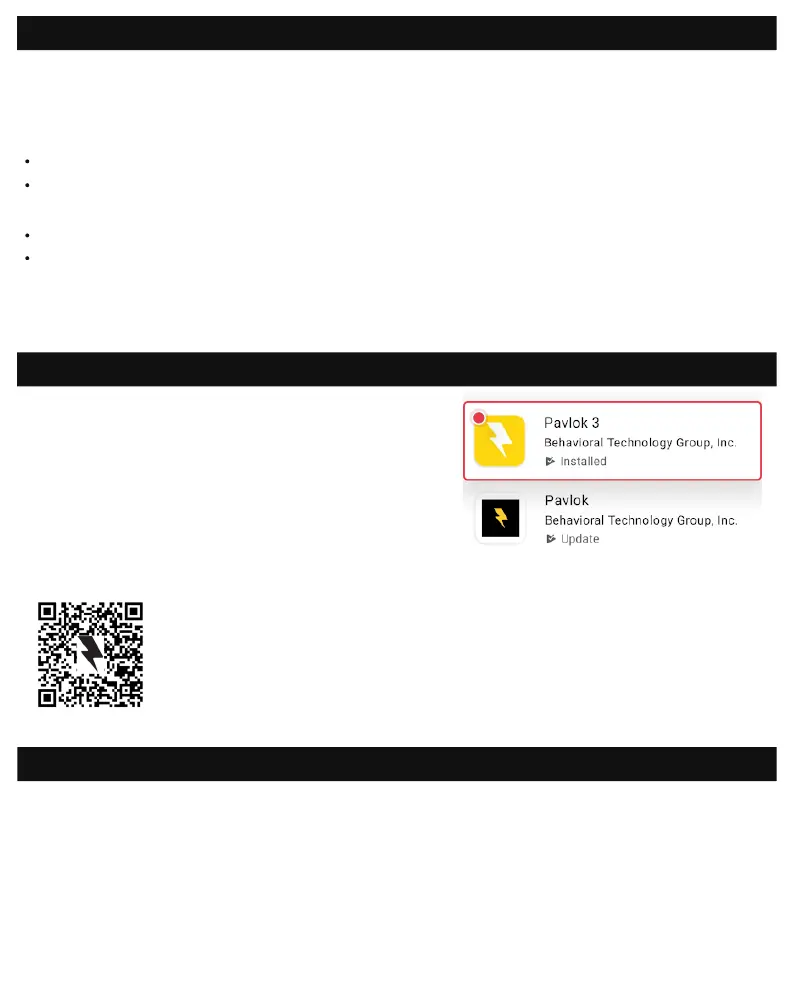
Search for “Pavlok 3” in the AppStore (iOS users)
or Play Store (Android users) and install the app
to your phone or tablet.
Downloading the app
Guide to buttons
1.
If a rmware update is available, you will be prompted to update your rmware
when you log into the app for the rst time.
3. You can also see if an update is available inside the Pavlok 3 app under Settings.
2.
If a rmware update is available during any other time, you will see a rmware
update banner at the top of the screen in the app - simply tap the banner to
update the rmware.
Updating the firmware
Make sure you download the Pavlok 3 app and not
the original Pavlok app.
You can also nd the apps at:
pavlok.com/apps
Scan the following QR code:


 To Next Page