5
Front bezel lights and diagnostic messages
Apex 7000 has built-in diagnostic abilities. These can be accessed using the Diagnostic Pushbutton located on
the bottom right side of the bill acceptor (under the label "
DIAGNOSTIC PUSH BUTTON
").
To enter the Diagnostic Mode, push and hold the Diagnostic Pushbutton for at least one (1) second, then
release. The front bezel lights will be ON or flashing.
The lights steady ON means that no error has been detected.
If the lights start flashing, the number of times the lights flash corresponds to the error code listed here below.
Always cut power before cleaning the bill path or the stacker.
The acceptor will automatically exit Diagnostic Mode when it remains idle for thirty (30) seconds, or you can press
the Pushbutton again and keep it pressed for 1 to 5 seconds.
flashings
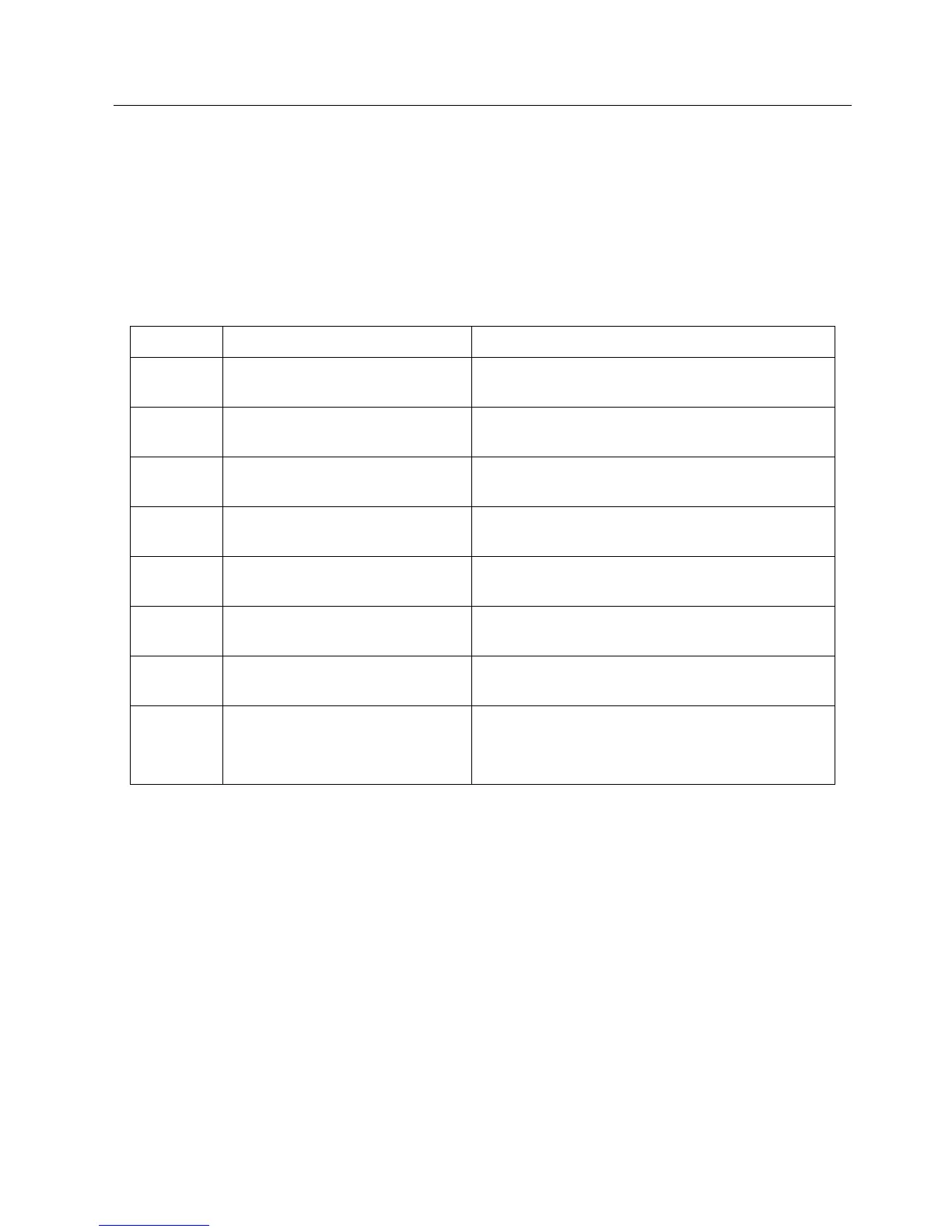
Error What to do
1
Bill jammed or something is in the bill
path.
Remove the stacker and Lower Transport to inspect for
foreign objects. Clean if necessary.
2
Something is obstructing the stacker.
Remove the stacker and Lower Transport to inspect for
foreign objects. Clean if necessary.
3
The stacker is full of bills. Remove the stacker and empty it.
4
The stacker has been removed. Replace the stacker.
5
The acceptor is defective. Replace the acceptor.
6 Acceptor inhibited by master MDB. Check setup of the master system (Host).
8 CPU error.
Repeat firmware updating. If the error is repeated, contact
Paytec Customer Service.
Flashing
quickly
The acceptor has detected a stringing
attempt, or the optical anti-stringing
sensor is dirty.
Remove the Lower Transport and clean the optical anti-
stringing sensor pair openings. It is a good idea to clean all
of the sensors at this time, both the entire upper and lower
halves of the bill path.


 To Next Page