2: Mainboard Installation
If you want to install more IDE devices, you can purchase a second
IDE cable and connect one or two devices to the Secondary IDE
channel connector IDE2 on the mainboard. If you have two
devices on the cable, one must be Master and one must be Slave.
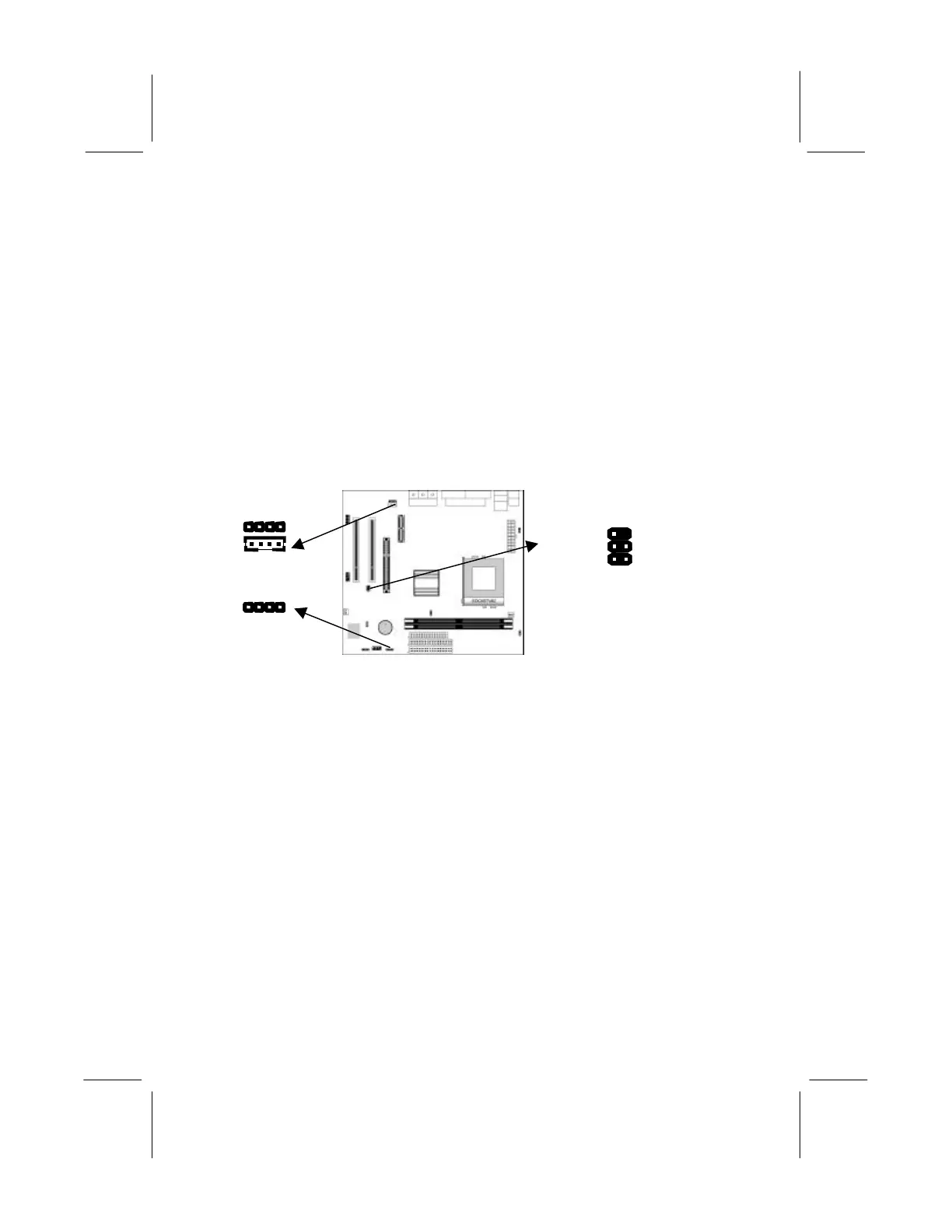
Internal Sound Connections
If you have installed a CD-ROM drive or DVD-ROM drive, you
can connect the drive audio cable to the onboard sound system.
On the mainboard, locate the two 4-pin connectors CD1 and CD2.
There are two kinds of connector because different brands of CD-
ROM drive have different kinds of audio cable connectors.
Connect the cable to the appropriate connector.
Infrared Port
You can connect an infrared port to the mainboard. You can
purchase this option from third-party vendors.
1. Locate the infrared port IR1 header on the mainboard.
2. If you are adding an infrared port, connect the ribbon cable
from the port to the header and then secure the port to an
appropriate place in your system chassis.
Onboard LAN LED Connections
If you have a set indicator LEDs for the onboard LAN
communication, you can connect the LED cable to the header JP6.
Pins 1-2 are for Link LED. Pins 3-4 are for 10/100 Mbps mode
LED, the onboard LAN run in 100 Mbps mode when the LED lit.
CD2
IR1 Header
JP6
Reserved 1
+5V 3
IRTX 5
2 Key
4 GND
6 IRRX



 To Next Page