Mainboard User’s Manual
AutoRun in the context sensitive menu for the CD-ROM drive icon
in a file browser window.
Installing Software with Auto Setup
To install support software for the system board follow this
procedure:
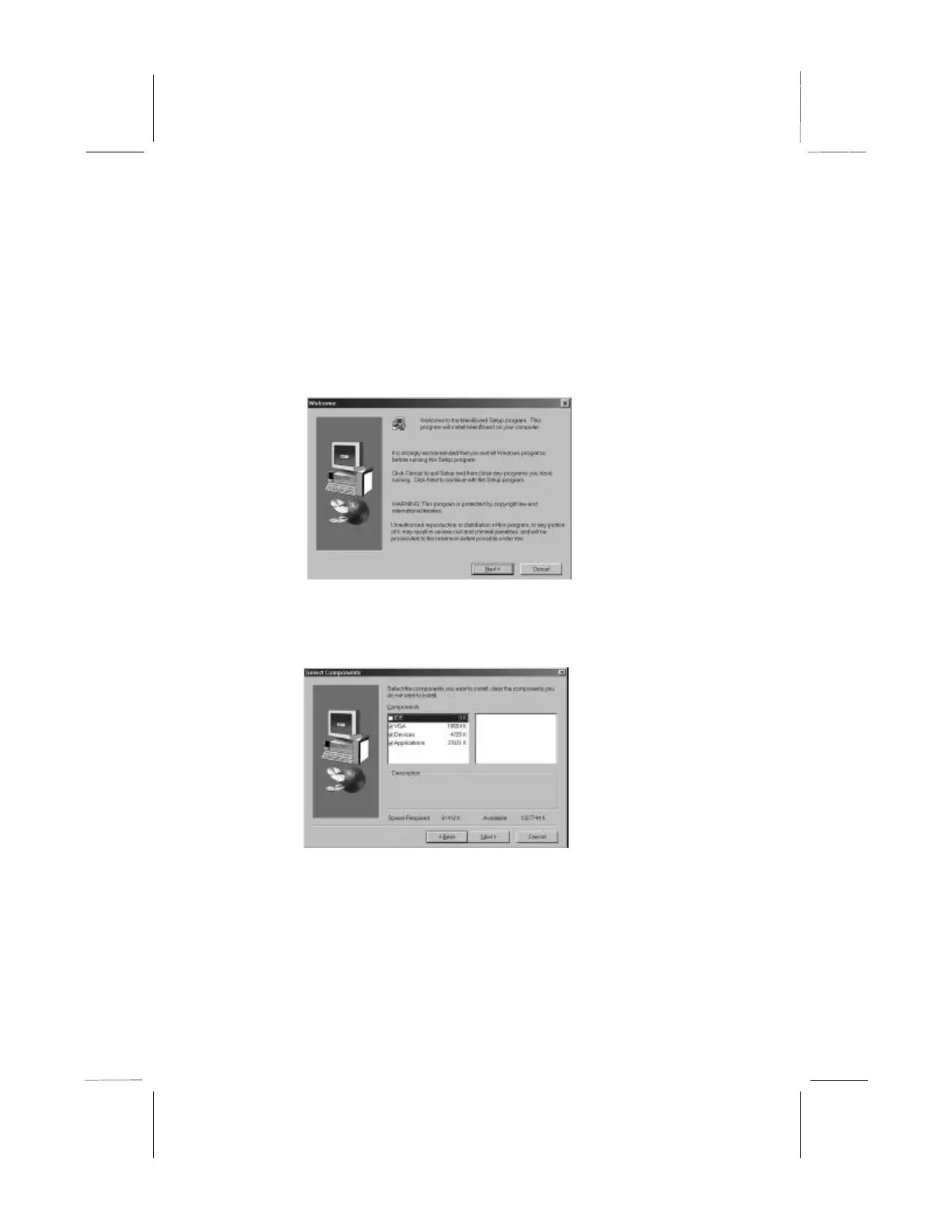
1. Click on the Setup button. The install program will load and
display the following screen. Click the Next button.
2. Select the items that you want to setup by clicking on it (the
default options are recommended). Click the Next button to
proceed.
3. The support software will automatically install.
Once any of the installation procedures start, software is
automatically installed in sequence. You will need to follow the
onscreen instructions, confirm commands and allow the computer
to restart as few times as is needed to complete installing whatever



 To Next Page