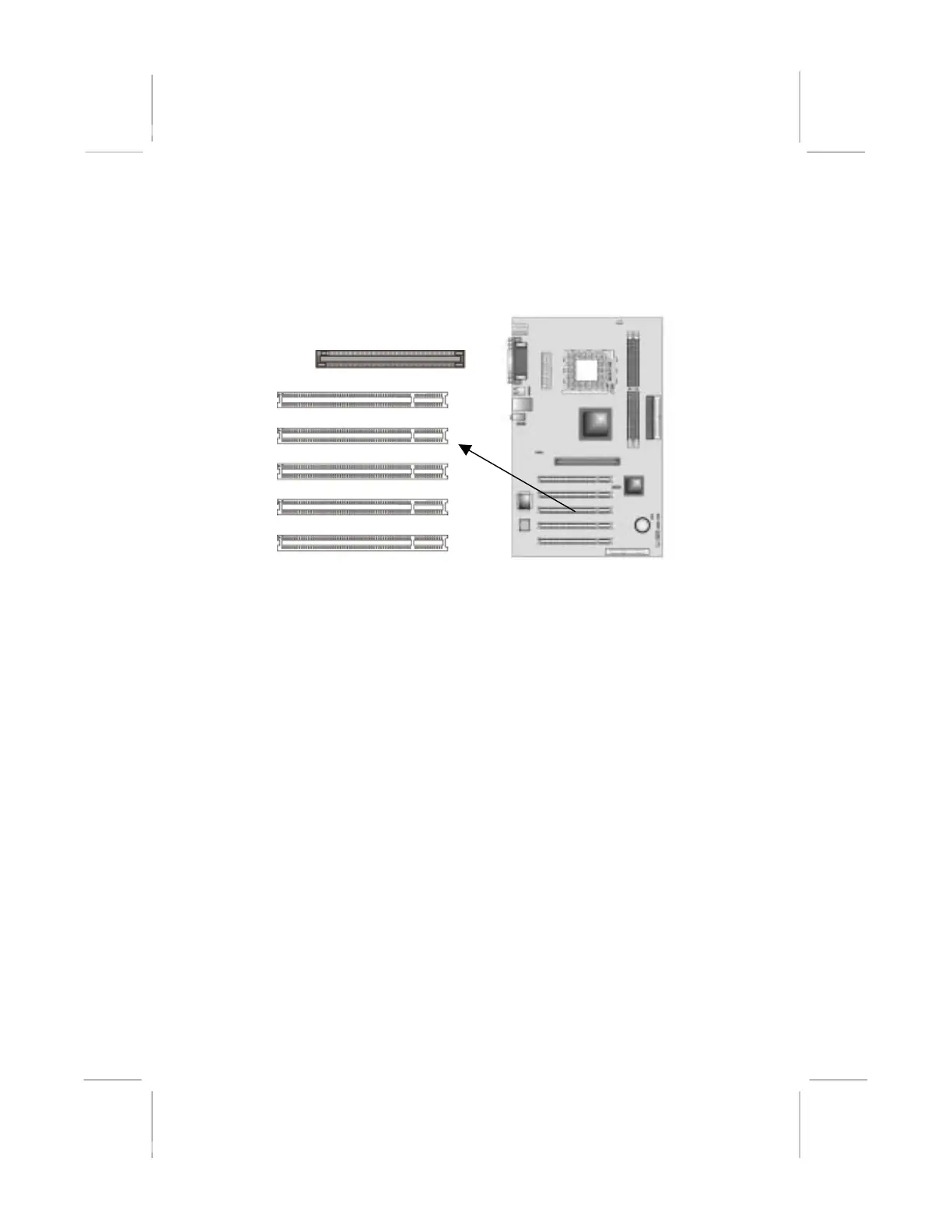
Expansion Slots
This mainboard has one AGP and five 32-bit PCI slots.
PCI
PCI4
PCI
GP1
PCI
PCI1
Follow the steps below to install the AGP/PCI expansion card.
1. Locate the AGP or PCI slots on the mainboard.
2. Remove the slot cover for this slot from the system chassis.
3. Insert the expansion card edge connector into the slot and press
it firmly down into it so that it is fully inserted.
4. Secure the expansion card bracket to the system chassis with a
screw.
4 x AGP (Accelerated Graphics Port) Slot
You can install a graphics adapter supporting 4xAGP specification
in the AGP slot. This slot has one 4xAGP edge connector.
PCI (Peripheral Components Interconnect) Slots
You can install the 32-bit PCI interface expansion cards in the slots.
PCI stands for peripheral Component Interconnect and is a bus
standard for expansion cards.
19



 To Next Page