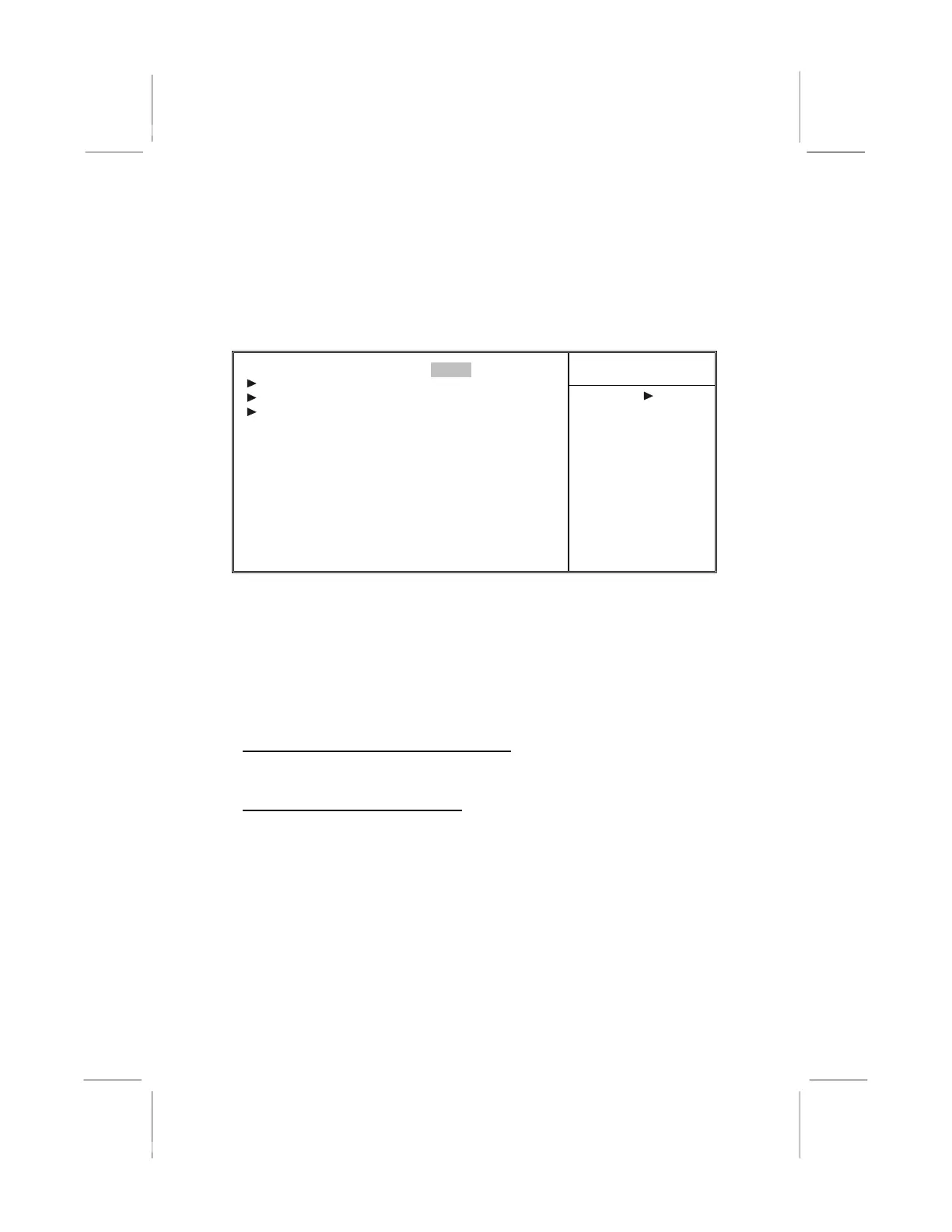
Integrated Peripherals
These options display items that define the operation of peripheral
components on the system's input/output ports.
Phoenix – AwardBIOS CMOS Setup Utility
Integrated Peripherals
Item Help
USB 2.0 Support [Enabled]
OnChip IDE Device [Press Enter]
OnChip PCI Device [Press Enter]
Super I/O Device [Press Enter]
Init Display First [PCI Slot]
OnChip USB Controller [All Enabled]
USB Keyboard Support [Disabled]
USB Mouse Support [Disabled]
IDE HDD Block Mode [Enabled]
Menu Level
↑ ↓ → ← : Move Enter : Select +/-/PU/PD:Value: F10: Save ESC: Exit F1:General Help
F5:Previous Values F6:Fail-Safe Defaults F7:Optimized Defaults
USB 2.0 Support (Enabled)
Select enabled if your system support the USB 2.0 function.
OnChip IDE Device
This item has several sub-items:
On-Chip IDE Channel 0/1 (Enabled)
Use these items to enable or disable the PCI IDE channels that are
integrated on the mainboard.
IDE Prefetch Mode (Enabled)
The onboard IDE drive interfaces supports IDE prefetching, for
faster drive access. If you install a primary and secondary add-in
IDE interface, set this field to Disabled if the interface does not
support prefetching.
IDE Primary/Secondary Master/Slave PIO (Auto)
Each IDE channel supports a master device and a slave device.
These four items let you assign which kind of PIO (Programmed
Input/Output) is used by IDE devices. Choose Auto to let the
system auto detect which PIO mode is best, or select a PIO mode
from 0-4.
31



 To Next Page