PDi Communication Systems, Inc. ▪ 40 Greenwood Ln ▪ Springboro, Ohio 45066 USA ▪ www.pdiarm.com and www.mymedTV.com ▪ Phone 800.628.9870
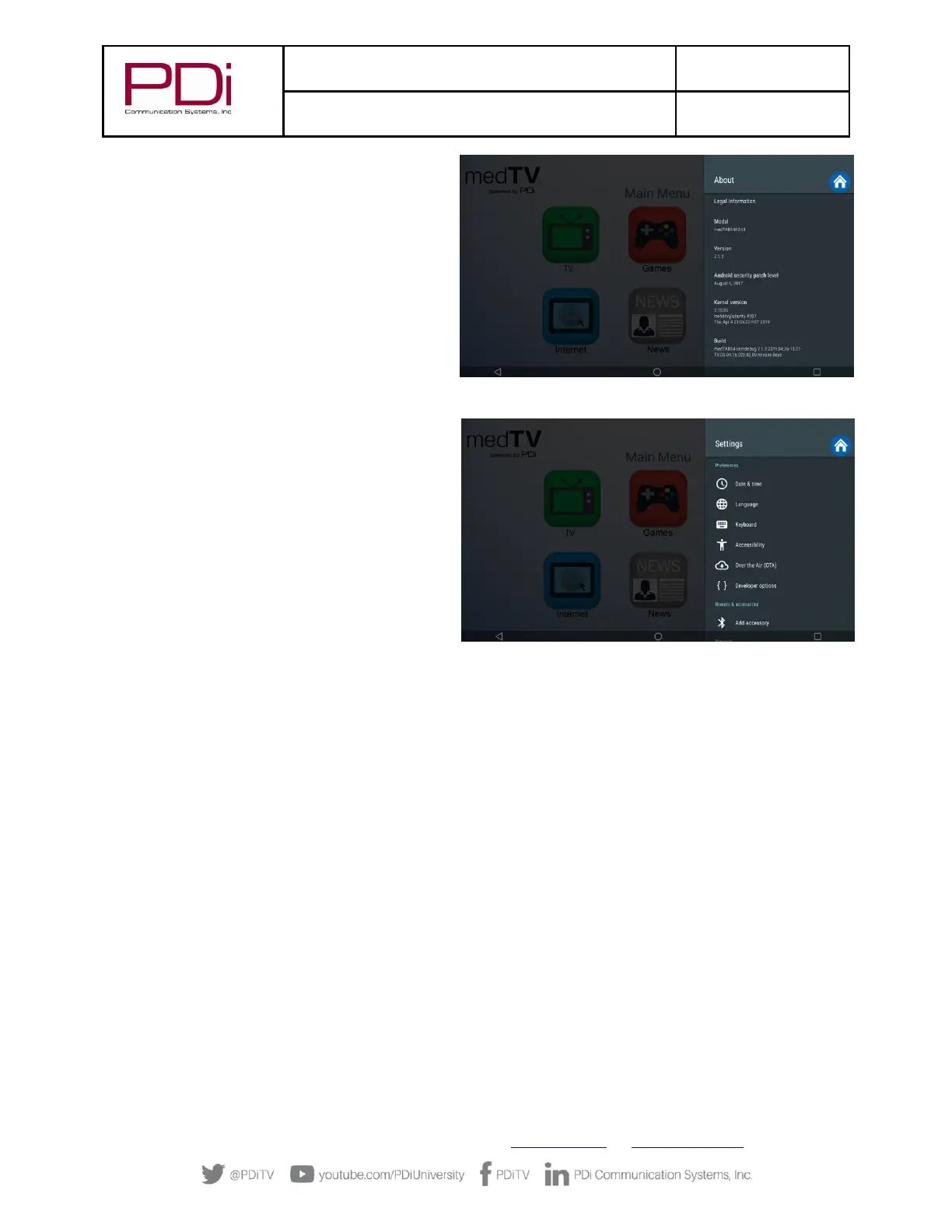
6. Settings – About. The About menu is where you
can find important information about the Android
system. It cannot be edited. Information shown
includes model number, serial number, build
version, kernel version, legal and more reference
data.
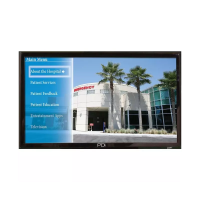
Settings - Preferences
1. Settings - Date & time. Use this menu to adjust
Date & Time. Use BACK arrow to return to Settings
menu.
2. Settings – Language. Default language is English
(US). If you choose an alternate language, it will
change the menu and the web browser language.
3. Settings – Keyboard. Device includes AOSP
keyboard.
4. Settings - Over the Air (OTA). OTA allows you to
update the Android build. Please contact PDi Pro
Services for help updating your device.
+1.800.628.9870.
TELEVISION SETTINGS
TV setup can be done using the touchscreen or a PDi programming remote. If you choose to use the PDi programming remote (Part
Number PD108-420), that must be ordered separately. Using the PD108-420 remote, use the LAST button in place of the BACK
function on the touchscreen. The following instructions assume you have correctly mounted the TV and connected a coax cable that
provides both power and RF signal.
Accessing TV Settings and Setup
To make changes to the television settings, you must first open the green TV app found on the Main Menu. From the onscreen user
interface, press Settings on the TV app user controls or press SETUP on the PD108-420 remote. The Settings menus are password
protected. Enter password “45066” then touch the blue checkmark on the touchscreen or press “OK” on remote.


 To Next Page