3.
Click “SET” button again, to enter the threshold adjustment.
(Figure 3)
Figure 3
4.
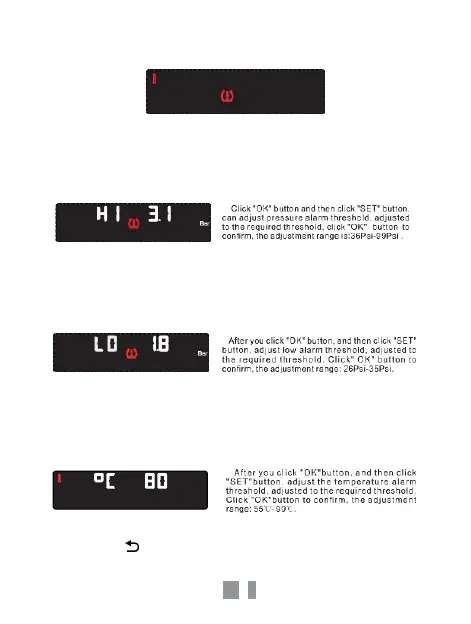
Click “OK” button to enter the high-pressure alarm threshold
setting. Click “OK”, the value flashes. Click “SET” to change the
value. Click “OK” to save the change.(Figure 4)
Figure 4
5.
Click the “SET” button to set your personal low-pressure alarm
threshold. Click “OK”, the value flashes. Click “SET” to change the
value. Click “OK” to save the change.(Figure 5)
Figure 5
6.
Click “SET” button, can enter the high temperature alarm
threshold-setting interface, and Click “OK”, the value flashes. Click
“SET” to change the value. Click “OK” to save the change.( (Figure 6)
Figure 6
7.
Click the button twice to exit.



 To Next Page