5.
Setting The Unit
Setting the unit of pressure display
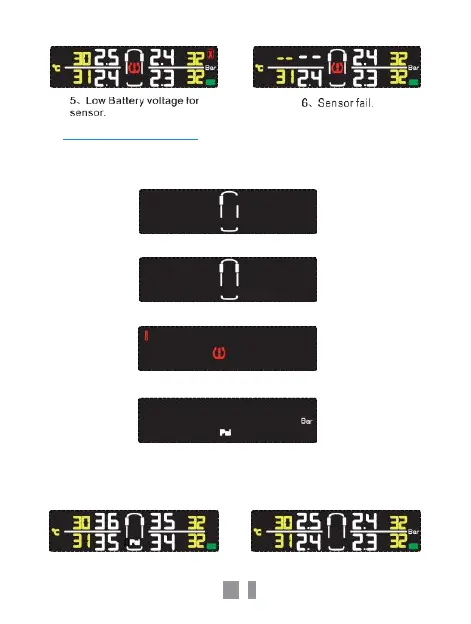
1. Long press “SET” button under the main interface as shown in the
below interface.
2. Click “SET” button again into the below interface.
3. Click “SET” button again into the below interface.
4. Click “SET” button again into the unit of pressure interface, as
below.
Press “OK” button during this interface, either Bar or Psi will flash.
Click “SET” button again to switch from the Bar or Psi pressure unit.
Press “OK” button to confirm, then click the button
,
twice to exit.



 To Next Page