The system will automatically jump to the next sensor position. The
order of sensor set up is FL—FR—RR—RL
g.
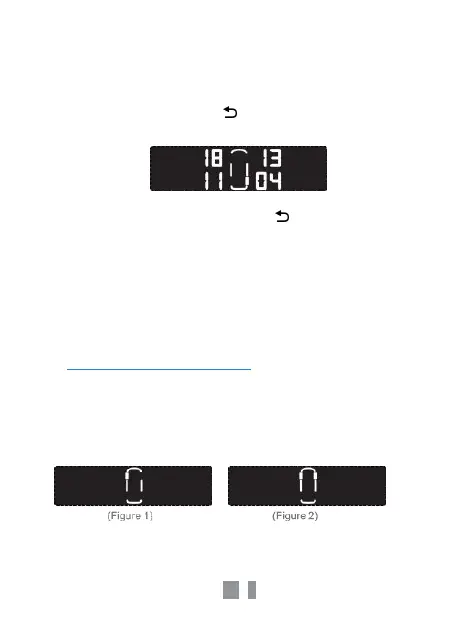
When all tyres are set up, the display will stop at the rear left
position and show its ID. Click “ ” button to exit the setup
procedure.
Note: During every step you can click the button to cancel the
current operation.
6.3
External Sensor Pairing
For an external sensor, follow the 6.2 steps to select the wheel on
the monitor.Reinstall the sensor when the monitor shows the
corresponding wheel position.
7.
Threshold Adjustment
1.
In the pressure display interface, click the “SET” button for 3
seconds until a “beep” is heard and the LCD displays the left front
wheel.(Figure 1)
2.
Click “SET” button to choose the tyre position.(Figure 2)



 To Next Page