c.
In the pressure display interface (pictured), hold the “SET” button
for 3 seconds and release when a “beep” is heard, the LCD will
display the flashing left front wheel.
d.
Click the “OK” button to enter the learning mode (In the example
below, we select left front tyre).
e.
Setup the sensors
:
Inflate or deflate corresponding tyre
(left front in the above example)
f.
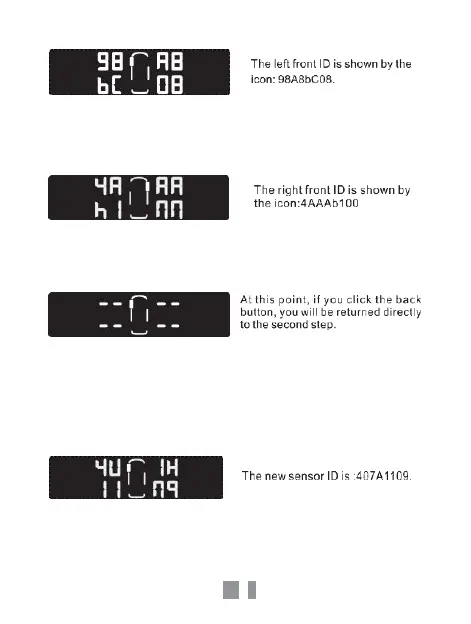
When the display receives a learning signal from the tyre sensor, it
will prompt a beep and will show the latest sensor ID number. This
will show that this sensor position is successfully set up.



 To Next Page