EasyManua.ls Logo

Peachtree decco 125 - User Manual

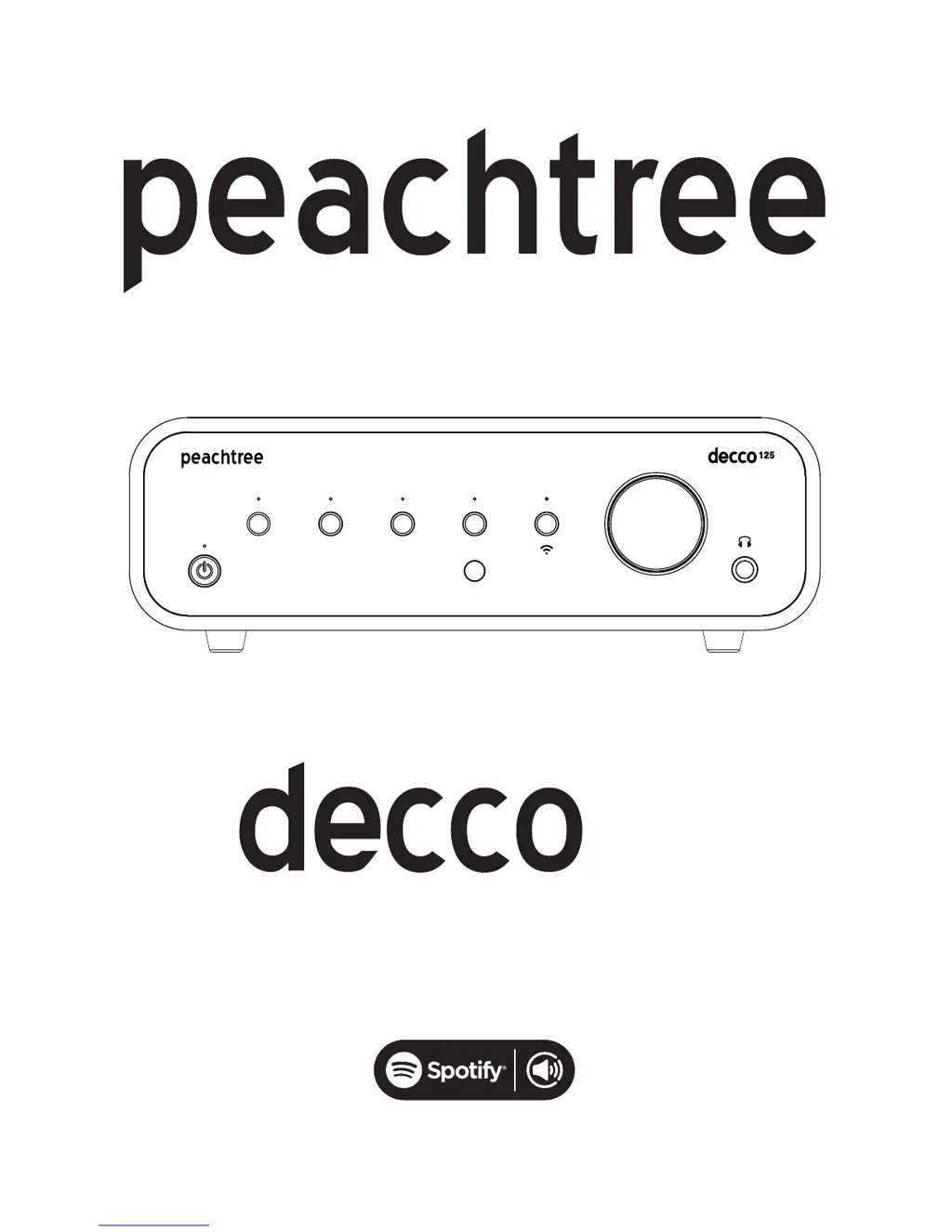
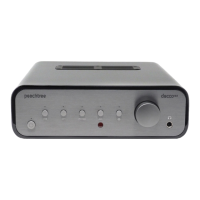
Peachtree decco 125
16 pages
Print Icon
To Next Page IconTo Next Page
Loading...
125
USB
OPT
PHONO
AUX
The Spotify software is subject to third party licenses found here:
www.spotify.com/connect/third-party-licenses

Questions and Answers

  • C
    Christine VasquezJul 31, 2025
    What to do if my Peachtree Amplifier remote control does not work?
    • J
      James BennettJul 31, 2025
      If the remote control for your Peachtree Amplifier isn't working, first, replace the batteries. Then, ensure there's a clear line of sight between the remote and the sensor on the front panel, and that no strong light sources interfere with the sensor.
  • L
    Laura ShafferAug 5, 2025
    Why is there no sound from my Peachtree Amplifier?
    • H
      Haley ConnerAug 5, 2025
      If your Peachtree Amplifier powers on but produces no sound or very low sound, ensure it's not muted (check for a blinking input LED) and that headphones aren't connected (which mutes speaker outputs). Verify your input source is on and playing at a reasonable volume. Double-check all rear panel connections. Note: a phonograph/turntable plugged into the AUX input will result in very low sound.
  • L
    Luis BoydAug 9, 2025
    How to fix hum/noise when using a computer with my Peachtree Amplifier?
    • T
      Tamara Evans MDAug 9, 2025
      Humming or noise when using a computer with your Peachtree Amplifier may be due to a ground loop from the computer's AC adapter. To test this, play music files from a laptop running solely on battery power. If the noise disappears, the AC adapter is the likely cause. Although the USB input on the decco minimizes this potential, contact your reseller or Peachtree Audio if the problem continues.
  • S
    Scott GonzalezAug 13, 2025
    What to do if the USB signal from a computer to my Peachtree decco 125 Amplifier is intermittent?
    • A
      Ashley CarterAug 13, 2025
      If the USB signal from a computer to your Peachtree Amplifier is intermittent, try restarting your music application (like iTunes). If the computer doesn't recognize the decco, disconnect and reconnect the USB cable from both the computer and the decco. If that doesn't work, try restarting the computer.
  • C
    Casey MatthewsAug 17, 2025
    How to eliminate static/noise from the PHONO input on my Peachtree decco 125 Amplifier?
    • S
      Sharon MartinAug 17, 2025
      The PHONO input is sensitive to RF noise, including wireless network signals. If the noise is bothersome, you can temporarily disable the wireless network input by pressing the PHONO and On/Standby buttons simultaneously while listening to the PHONO input. This mode deactivates when you select a different input and needs re-enabling when you return to PHONO. You can also minimize noise by using extenders on the RF antennas attached to the rear panel.
  • M
    Mary JoyceAug 22, 2025
    What to do if my Peachtree decco 125 will not power on?
    • H
      Heather MoralesAug 22, 2025
      If your Peachtree Amplifier won't power on, verify the AC power cord is securely connected to both the amplifier and a working AC outlet. The on/standby LED on the front panel should light up red. Test the AC outlet by plugging in another device, like a lamp, to confirm it's functioning.
  • J
    Jessica LeachAug 26, 2025
    Why is there a click or pop when using the front panel controls on my Peachtree decco 125 Amplifier?
    • P
      Paul VincentAug 26, 2025
      A click or pop when using the front panel controls on your Peachtree Amplifier is likely caused by static buildup on your hand discharging into the unit. If the unit behaves erratically, power it down completely, wait a minute, and then power it back on. If the issue persists, please contact your reseller or Peachtree Audio.

Summary

Important Safety Instructions

Back Panel

AC Power Input

Connects the unit to mains power via a standard AC outlet.

Audio Inputs

Ports for connecting digital (USB, Optical) and analog (Aux, Phono) audio sources.

Audio Outputs

Connectors for linking to speakers or external amplifiers (Pre-Out).

Front Panel

Power and Input Controls

Buttons for unit power, standby mode, and selecting audio inputs.

Wireless Network Setup

Spotify Connect

Troubleshooting

Power and Sound Issues

Solutions for no power, no sound, or low volume problems.

Connectivity and Control Problems

Fixes for remote not working, intermittent USB, or static/noise issues.

Warranty and Repair

International Warranty Details

Information on warranty period, registration, and coverage limitations.

Specifications

Peachtree decco 125 Specifications

General IconGeneral
BrandPeachtree
Modeldecco 125
CategoryAmplifier
LanguageEnglish

Related product manuals