EasyManua.ls Logo

Peak Scientific Genius SQ 24 - User Manual

Peak Scientific Genius SQ 24
28 pages
Print Icon
To Next Page IconTo Next Page
Loading...
Genius SQ 24
User Manual
Copyright © Peak Scientific Instruments Ltd 2019 — GeniusSQ User Manual Rev 6 RSID 2630 EN —09/12/2019

Questions and Answers

Summary

Change History

Manual Usage Guidance

Provides guidance on how to effectively use this user manual as a reference document.

Warranty and Liabilities

Warranty Coverage Details

Details the terms of Peak's warranty, including coverage periods and conditions for generators.

Warranty Exclusions and Limitations

Lists specific conditions, misuse, or external factors that are excluded from the generator warranty coverage.

Warranty Service Delivery

Explains the process for obtaining warranty service, including notification and response procedures.

Safety Notices and Symbols

Hazard Symbols Explained

Defines the warning and caution symbols used in the manual to highlight potential hazards.

User Safety Instructions

Essential safety instructions for users to read and understand before installing and operating the generator.

Declaration of Conformity

Environmental Declaration

Technical Specifications

Environmental Operating Conditions

Specifies ambient temperature, altitude, and humidity limits for generator operation.

Generator Output Specifications

Details maximum gas output pressure, flow rate, particle filtration, and outlet port types.

Electrical Input Requirements

Outlines required voltage, frequency, current ratings, and power cord specifications.

Physical and Shipping Dimensions

Provides generator dimensions, weight, and shipping weight information.

Unpacking and Inspection

Transit Damage Indicators

Instructions to check 'SHOCKWATCH' and 'TIP-N-TELL' labels for signs of rough handling during transit.

Damage Reporting Procedure

Guidelines for reporting any observed transit damage to the carrier and Peak Scientific.

Fittings Kit Contents

Installation Guidelines

Generator Environment Setup

Recommends installation location, air gaps, and ventilation for optimal generator performance and longevity.

Generator Overview

Physical Dimensions and Layout

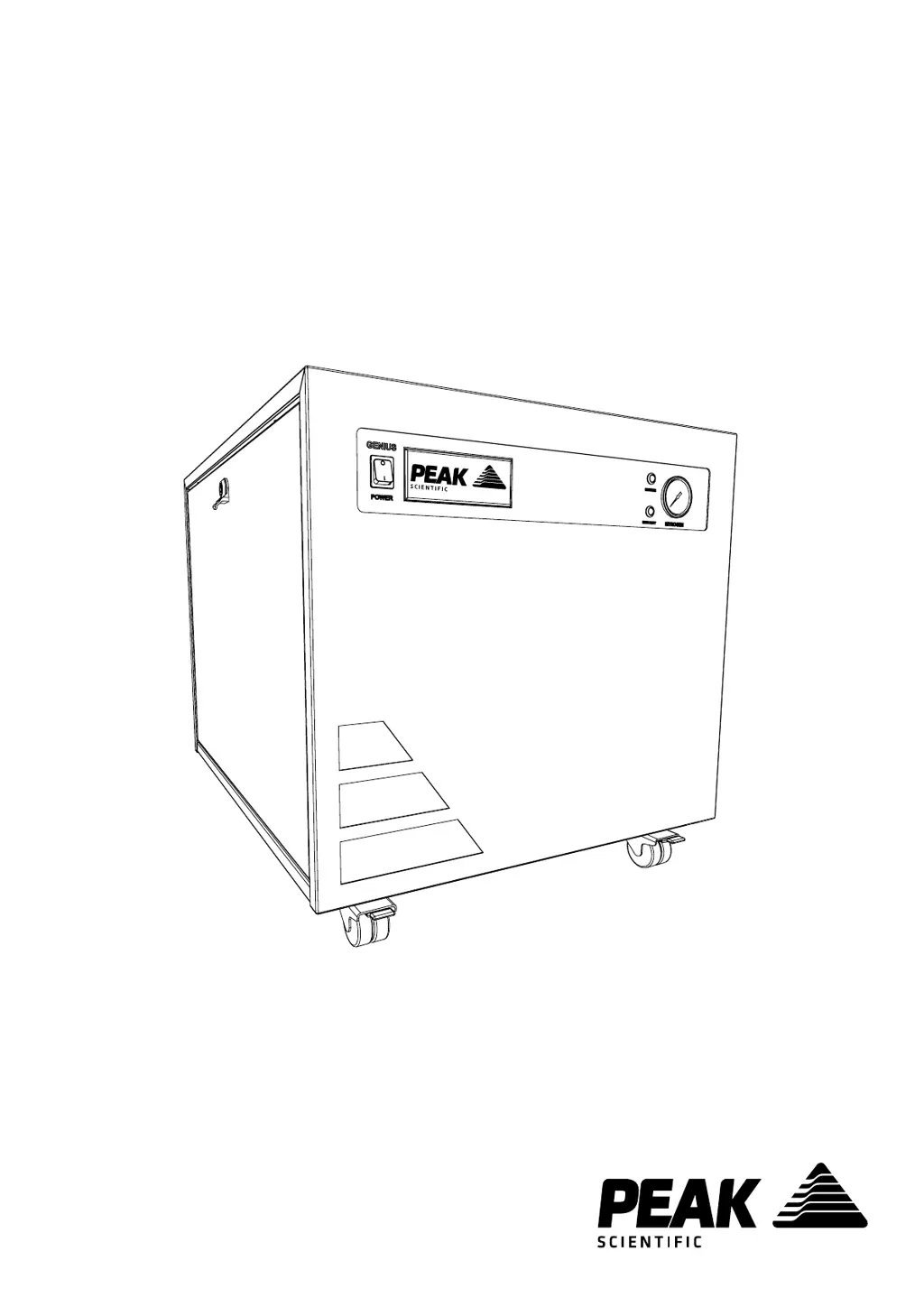
Illustrates the generator's external dimensions and overall physical configuration.

Critical Placement Warning

Emphasizes the necessity of placing the generator on a stable, level surface to ensure proper operation.

Connections and Controls

Rear Panel Connections

Details the fittings and cables connected to the rear of the generator unit.

Front Panel Unit Controls

Identifies and describes the function of the power switch, pressure gauge, and status indicator LEDs.

Connection and Maintenance Safety

Crucial safety advice regarding inlet/outlet connections and performing cleaning/maintenance.

Drain Connection Procedures

Drain Container Safety

Provides safety precautions for drain containers, including avoiding airtight seals and securing the tube.

Electrical Installation

Safety Class and Earthing

Unit is Safety Class 1; requires earthing. Details wiring colors and supply checks.

Voltage and Transformer Requirements

Specifies acceptable voltage ranges and the need for a transformer for certain supply voltages.

Generator Start-Up

Initial Isolation Run

Explains the mandatory 30-minute isolation run to purge impurities and protect connected applications.

Pressure Build-up and Compressor Cycling

Describes how pressure builds, compressors cycle for duty sharing, and the system purges with Nitrogen.

Application Connectivity

Pre-connection Pressure Check

Ensures internal storage tank pressure is allowed to dissipate before connecting to the application.

Tubing Diameter Selection

Guidance on selecting tubing diameter based on length to prevent pressure loss and ensure performance.

Generator Operation Modes

Normal Operation

Describes the generator's automatic operation, minimizing user involvement after initial setup.

On-Demand Gas Supply

Explains how the generator produces gas based on application demand, auto-stopping and restarting as needed.

Generator Performance

Compressor Cycling Explanation

Details how compressor cycling reduces wear and is dependent on application gas demand.

Addressing Unusual Operation

Provides guidance on handling excessive noise or vibration by switching off and contacting support.

Service and Maintenance

Recommended Service Schedule

Outlines the required annual maintenance kit and compressor assembly replacement schedule.

Service Indication System

Service Stage 1 Notification

Yellow LED illuminates 12 months after install, indicating a service is due.

Service Stage 2 Overdue Alert

Yellow LED flashes after 2 weeks, signaling that service is overdue and requires immediate attention.

Resetting the Service Indicator

Procedure for resetting the service indicator after maintenance is completed by authorized personnel.

Peak Protected Services

Overview of Protection Plans

Details Peak Protected services including installation, maintenance plans, spares, and technical support.

Cleaning and Care

Safe Cleaning Procedures

Instructions for cleaning the generator exterior using mild soap and water, with power off.

Cleaning Chemical Restrictions

Warns against using solvents or abrasive cleaners that could damage the generator or release harmful fumes.

High Duty Indication

High Duty Indicator Reset

The 'HIGH DUTY' indicator automatically turns off when compressors return to normal cycling mode.

Identifying Potential Faults

Explains how a persistent 'HIGH DUTY' light may indicate a system leak or impending compressor failure.

Troubleshooting Common Issues

Power and Switch Problems

Solutions for the generator not powering on or the power switch indicator not illuminating.

Pressure Build-up Faults

Troubleshooting steps for compressors running but pressure not building or low pressure readings.

Interpreting LED Status Lights

Guidance on diagnosing issues based on constant or flashing yellow 'SERVICE' and 'HIGH DUTY' LEDs.

Warranty Registration

Online and Manual Registration

Instructions for registering the product warranty online or via mail/email to activate coverage.

Warranty Extension Options

Information on how to extend generator coverage through Peak Scientific's aftercare support packages.

Warranty Activation Policy

Details the importance of timely registration from installation date for warranty to be honored.

Peak Protected Support

Contacting Peak Scientific

Provides contact details for Peak Scientific, including address, phone, fax, and email for product information.

Peak Scientific Genius SQ 24 Specifications

General IconGeneral
BrandPeak Scientific
ModelGenius SQ 24
CategoryLaboratory Equipment
LanguageEnglish

Related product manuals