EasyManua.ls Logo

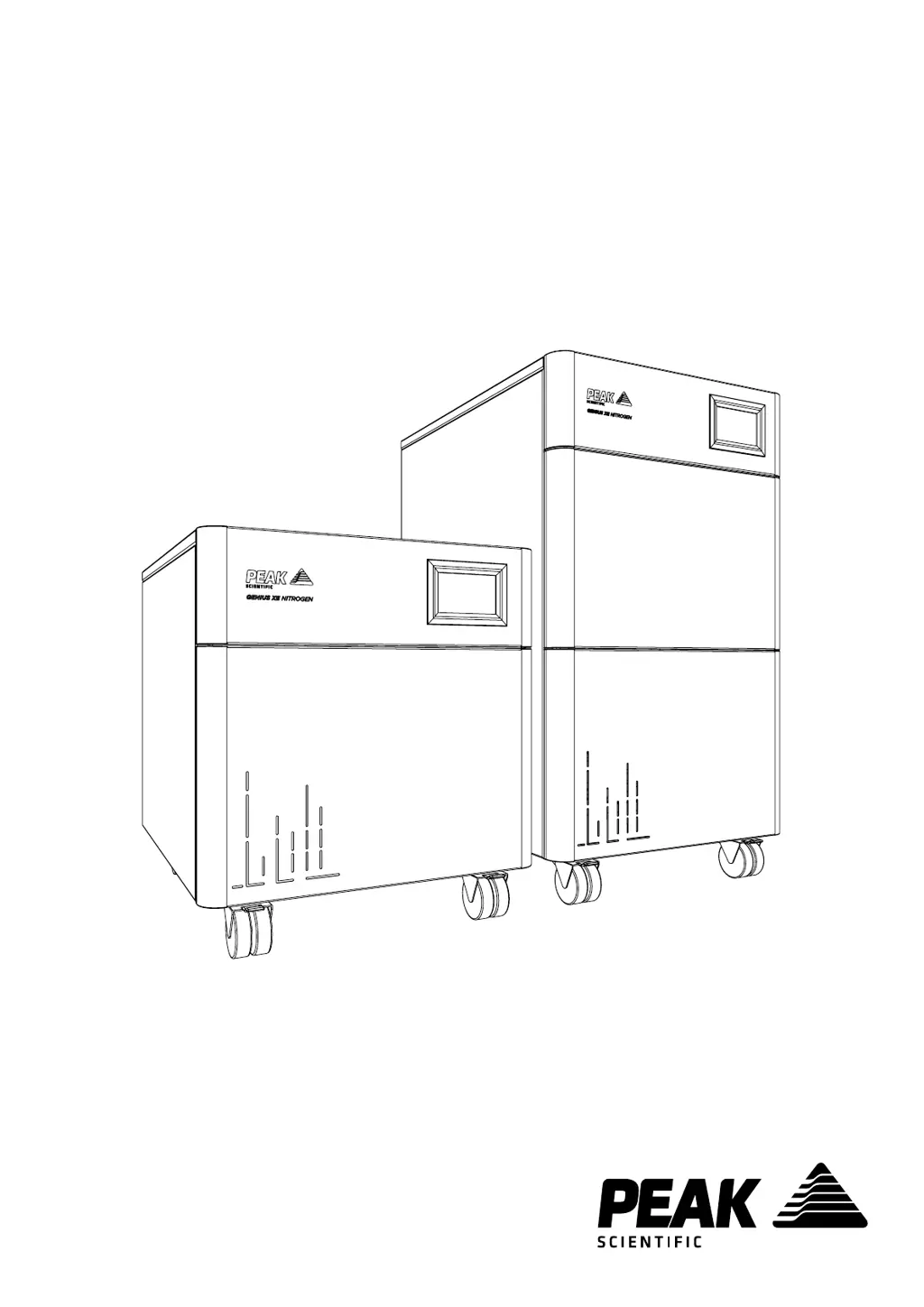
Peak Scientific Genius XE 70 - User Manual

Default Icon
36 pages
Print Icon
To Next Page IconTo Next Page
Loading...
Genius XE (All Models)
User Manual
Copyright © Peak Scientific Instruments Ltd 2020 — GeniusXE User Manual Rev 9 RSID 2299 EN —18/02/2020

Other manuals for Peak Scientific Genius XE 70

Questions and Answers

  • L
    Lauren CampbellAug 10, 2025
    What to do if my Peak Scientific Laboratory Equipment generator displays a major error code?
    • M
      mquinnAug 10, 2025
      If your generator displays a major error code, first, ensure there is a complete, leak-tight connection between the generator and the application. Also, ensure the flow demand on the generator is within rated limits.
  • Q
    qvelezAug 17, 2025
    What to do if my Peak Scientific Laboratory Equipment application is reporting low pressure?
    • S
      Sharon ReyesAug 17, 2025
      If the application reports low pressure, check the pressure readings on the display to ensure they show normal pressure. Also, make sure the generator is connected to the application and is leak-free.
  • D
    Danielle SchmittAug 25, 2025
    What to do if my Peak Scientific Genius XE 70 generator displays a minor error code?
    • K
      Kelly GomezAug 26, 2025
      If the generator displays a minor error code, ensure the ambient temperature and humidity are within the specified range. Also, check for any leaks between the generator and the mass spec, and ensure there is adequate ventilation around the back and sides of the generator.
  • N
    nicolecarterAug 31, 2025
    How to switch on the Peak Scientific Genius XE 70 Laboratory Equipment if the power switch does not illuminate?
    • D
      David TurnerAug 31, 2025
      If the generator won't switch on and the power switch isn't illuminated, first ensure the power cable is plugged into the generator and the power socket is turned on. Then, check the fuse in the power cable plug, if one is fitted.

Summary

Register Product to Operate

Warranties and Liabilities

Safety Notices

Symbols and User Precautions

Explains safety symbols and user precautions for safe operation and maintenance.

Technical Specification

Unpacking

Installation

Generator Environment

Specifies ideal placement and environmental conditions for generator installation.

Rear Connections

Unit Controls

Drain Connection

Electrical Connection

Start-Up Sequence

Product Registration

Connecting to the Application

Setting the Output Pressure

Normal Operation

Service Screens

Service Due Warnings

Alerts indicating the generator requires scheduled maintenance.

Service Overdue Warning

Alerts indicating scheduled maintenance is past due.

Error Screens

Service Overdue Error

Warning for overdue scheduled maintenance.

Minor Errors

Alerts for minor operational issues.

Major Errors

Alerts for significant operational issues.

Settings Screens

Service Requirements

Service Indication

Stage 2 Service Overdue

Notification that scheduled maintenance is past due.

Alarm Messages

Major Alarm Message

Indicates a significant issue that may stop operation or cause damage.

Troubleshooting

Peak Scientific Genius XE 70 Specifications

General IconGeneral
ModelGenius XE 70
TypeNitrogen Generator
Gas TypeNitrogen
Output Flow RateUp to 70 L/min
ApplicationLaboratory
PurityUp to 99.5%
Power Supply230V 50/60Hz
CertificationsCE, CSA
Power Consumption1800W

Related product manuals