EasyManua.ls Logo

Peak Scientific Genius XE Series - User Manual

Peak Scientific Genius XE Series
36 pages
Print Icon
To Next Page IconTo Next Page
Loading...
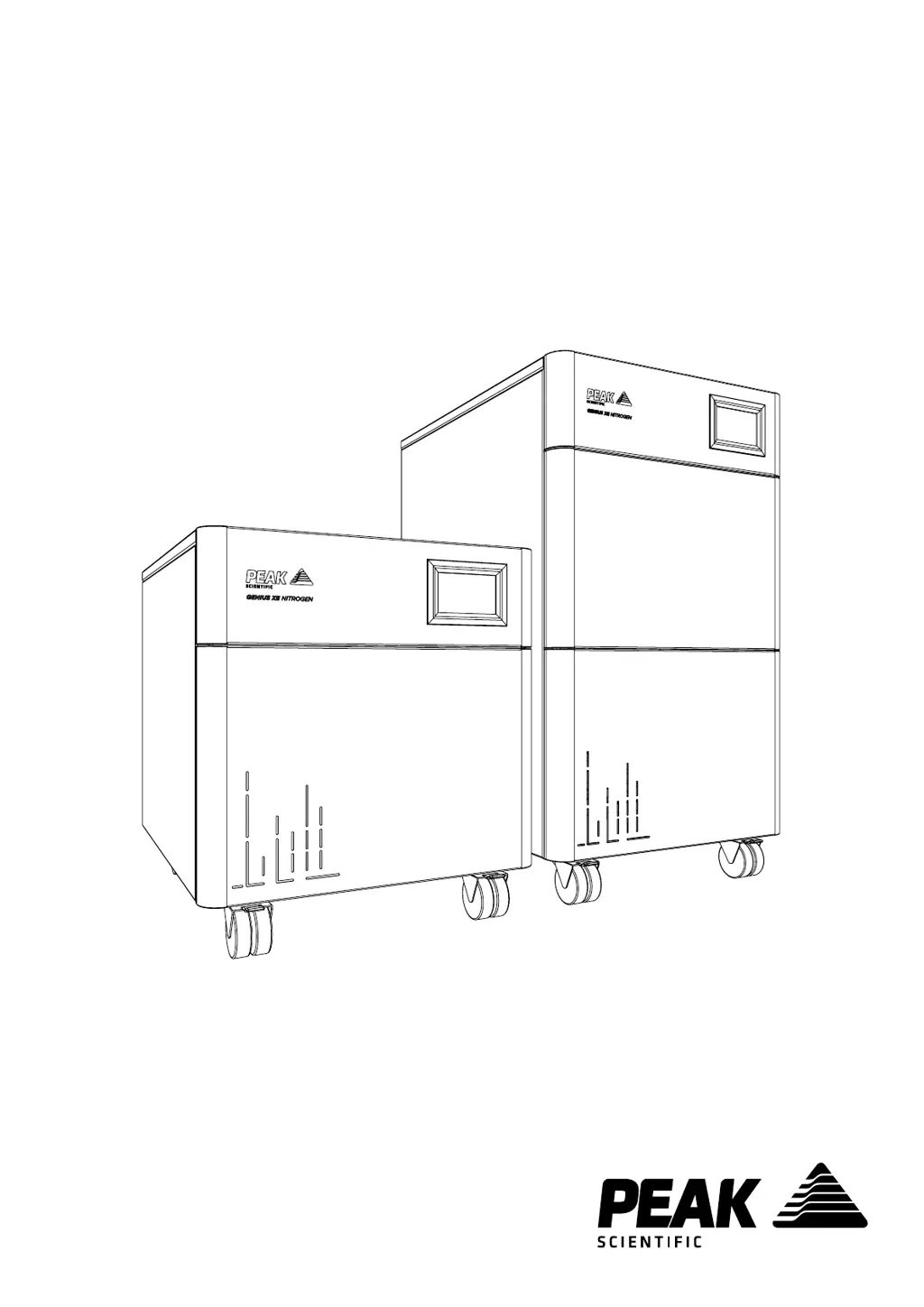
Genius XE (All Models)
User Manual
Copyright © Peak Scientific Instruments Ltd 2020 — GeniusXE User Manual Rev 9 RSID 2299 EN —18/02/2020

Other manuals for Peak Scientific Genius XE Series

Questions and Answers

  • T
    Traci VelezAug 4, 2025
    What to do if my Peak Scientific Laboratory Equipment generator displays a major error code?
    • T
      Tammy AndersonAug 4, 2025
      If your generator displays a major error code, first, ensure there is a complete, leak-tight connection between the generator and the application. Also, ensure the flow demand on the generator is within rated limits.
  • E
    Eric LloydAug 12, 2025
    What to do if my Peak Scientific Genius XE application is reporting low pressure?
    • E
      Emily LynchAug 12, 2025
      If the application reports low pressure, check the pressure readings on the display to ensure they show normal pressure. Also, make sure the generator is connected to the application and is leak-free.
  • B
    Belinda HamiltonAug 20, 2025
    What to do if my Peak Scientific Genius XE generator displays a minor error code?
    • M
      Morgan WallAug 20, 2025
      If the generator displays a minor error code, ensure the ambient temperature and humidity are within the specified range. Also, check for any leaks between the generator and the mass spec, and ensure there is adequate ventilation around the back and sides of the generator.
  • A
    Adam YoungAug 27, 2025
    How to switch on the Peak Scientific Genius XE Laboratory Equipment if the power switch does not illuminate?
    • M
      mshermanAug 27, 2025
      If the generator won't switch on and the power switch isn't illuminated, first ensure the power cable is plugged into the generator and the power socket is turned on. Then, check the fuse in the power cable plug, if one is fitted.

Summary

How to Use This Manual

Warranties and Liabilities

Warranty & Liability Coverage Details

Explains the terms and conditions of the product warranty and liability coverage.

Warranty Exclusions and Limitations

Details specific conditions and circumstances not covered by the generator's warranty.

Warranty Service Delivery Process

Outlines the procedure for obtaining warranty service and support for the generator.

Safety Notices and Symbols

Understanding Safety Symbols

Defines the meaning of various symbols used to indicate hazards and warnings in the manual.

User Safety Instructions

Provides essential safety instructions for users to follow during installation and operation.

Declaration of Conformity

Environmental Declaration

Technical Specifications Overview

Environmental Operating Conditions

Specifies the ambient temperature, altitude, humidity, and storage requirements for the generator.

Generator Outlet Specifications

Details the gas outlet pressure, flow rate, purity, and connection types for the generator.

Electrical Input Requirements

Covers voltage, frequency, current, input connection, and circuit breaker specifications.

General Product Dimensions and Weight

Provides physical dimensions, weight, and noise level specifications for the generator models.

Unpacking and Initial Inspection

Fittings Kit Contents

Generator Installation Guide

Generator Environment Requirements

Specifies ideal placement and ventilation requirements for optimal generator performance.

Operation in High Ambient Temperatures

Generator Overview and Dimensions

General Physical Dimensions

Illustrates the external dimensions of the Genius XE 35 and XE 70 models.

Rear Panel Connections

Front Panel Unit Controls

Drain Port Connection

Electrical Supply Connection

Generator Start-Up Procedure

Product Registration Process

Connecting to the Application

Recommended Tubing Lengths and Sizes

Guides on selecting appropriate tubing diameter based on connection distance for optimal performance.

Setting Output Pressure

Normal Generator Operation

Eco Mode Functionality

Details the energy-saving Eco Mode feature for reduced consumption and component wear.

Service Status Screens

Error Status Screens

Information Display Screens

User Settings Configuration

Handling Unusual Operation

Service Requirements and Schedule

Generator Maintenance Schedule

Outlines recommended service intervals, components, and kits for maintenance.

Service Indication and Reset

Resetting Service Indicators

Procedure for clearing service alerts after maintenance is completed by authorized personnel.

Peak Protected Service Plans

Generator Cleaning Instructions

Alarm Message Interpretation

Troubleshooting Common Issues

Peak Scientific Genius XE Series Specifications

General IconGeneral
BrandPeak Scientific
ModelGenius XE Series
CategoryLaboratory Equipment
LanguageEnglish

Related product manuals