GET STARTED WITH SOLICE
FOR WIRELESS TATTOOING
FOR TATTOOING WITH AN RCA CONNECTION
PAGE 4
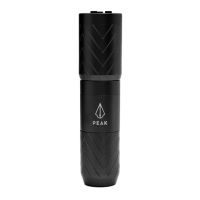
To turn on the Solice without the jumpstart feature, long-press the power button on the attached
PowerPack battery. Your machine will start with previously adjusted voltage.
1
2
3
4
When you’re ready to recharge, connect your PowerPack to a USB-C charging cable. You will also see your
battery capacity.
To start or pause your machine, press the power button whenever you want.
A pedal icon will appear on your display when your machine is working.
Tattoo for 10+ hours on a single charge; the PowerPack battery will automatically shut off after
5 minutes of inactivity.
To turn on the Solice with the jumpstart feature, quickly double press the power button .
A lightning bolt icon will appear on your display.
Remove the PowerPack battery.
1
2
3
Plug your Solice Pen into your favorite power supply with the included RCA cable.
Attach the magnetic RCA module (included with your Solice machine).


 To Next Page