31
5.6. Testing for Continuity
To test for continuity, connect the Meter as below:
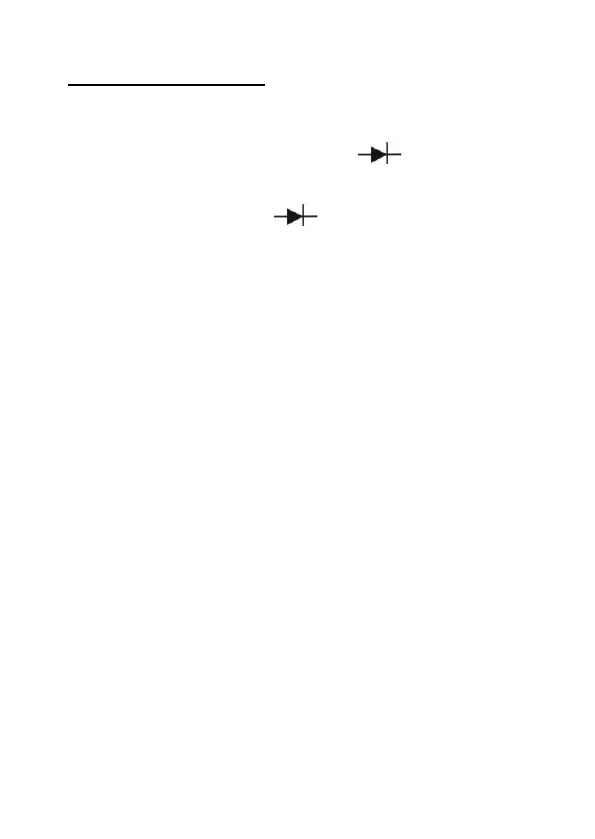
1. Insert the red test clip into the
°
))) terminal and
the black test clip into the COM terminal.
2. Set the rotary switch to
°
))).
3. Connect the test clips across with the object being
measured.
4. The beeper comes on continuously when the test
resistance <120 .
5. The Meter displays the value of the test resistance.
Note:
* The LCD displays “1“ indicating the circuit being tested is
open.
* When continuity test has been completed, disconnect the
connection between the testing clips and the circuit under
test and remove the testing clips away from the input
terminals of the Meter.


 To Next Page
 Loading...







