Initial
Setting
Key Bolt
Uni-Lock Footboard Angle Cam
Key Bolt
Drum Key
Heel Plate
Hinge
Hinge
Flat Head Screw
3-Piece Screw
Bottom Plate
Footboard
Fig. 9
Fig. 8-A
Duo-Deck Footboard
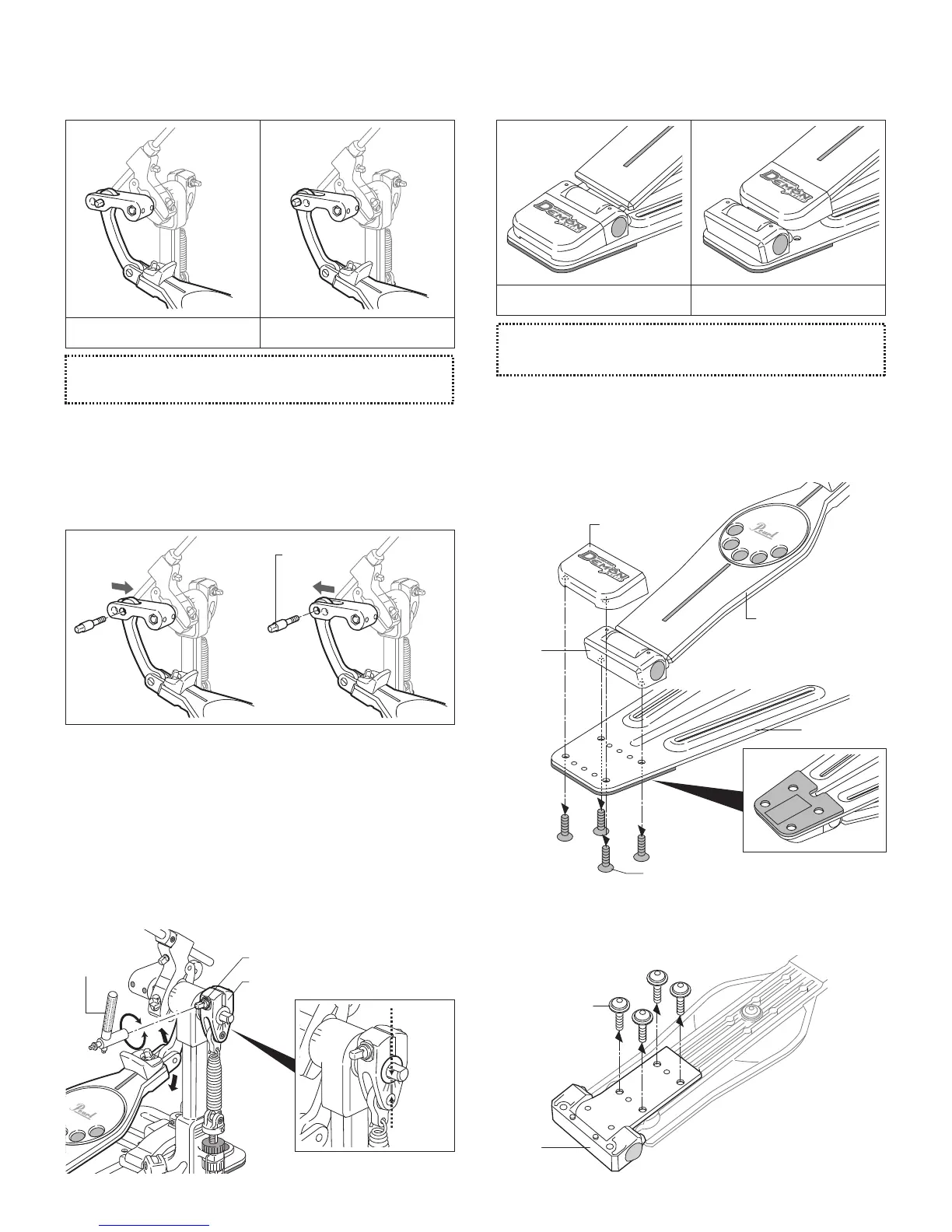
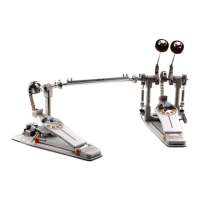
The P-3002D features Pearl's patented Duo-Deck Footboard,
the world's first convertible Short / Long Footboard.
To convert the Duo-Deck to a Long Footboard, turn the
pedal over and remove the four Flat Head Screws with the
provided Multi-Function Drum Key or Allen wrench (3mm)
as shown and remove the Heel Plate and the Hinge from the
Bottom Plate (Fig.9).
Lift the Footboard and remove the four 3-Piece Screws with
the provided Multi-Function Drum Key or Allen wrench
(3mm) as shown, and remove the Hinge from the Footboard
(Fig.10).
Direct Link Adjustment
The Direct Link can be adjusted to provide a Heavier or a
Lighter feel.
To change to a Lighter Feel, remove the Key Bolt with the
Multi-Function Drum Key as shown. Move the Direct Link to
the forward set of holes and re-attach the Key Bolt. To change
back to a Heavier Feel, remove the Key Bolt and attach the
Direct Link to the rear set of holes (Fig. 7-A, 7-B).
Footboard Angle Adjustment
The Footboard Angle can be adjusted by loosening the Key
Bolt on the Uni-Lock Footboard Angle Cam and adjusting it
to the desired angle (Fig.8-A). Re-tighten the Key Bolt to
secure the angle. A gauge on the side of the Angle Cam is
provided to reference Footboard Angle settings (Fig.8-B).
Fig. 7-A Fig. 7-B
"L" Position (Lighter Feel)"H" Position (Heavier Feel)
Long FootboardShort Footboard
Fig. 10
Fig. 8-B
Note
Tip
The Direct Link is set at the factory in the Heavier Feel "H" Position.
The Duo-Deck is set at the factory in the Short Footboard setting.
H L


 To Next Page