
 Need help?
Do you have a question about the Peavey Audition 30 and is the answer not in the manual?
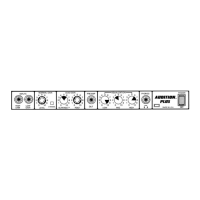
Two input jacks for connecting instruments, with differing gain levels.
Pre Gain controls input volume; Post Gain controls overall amplifier volume.
Push Saturation simulates tube distortion; Push Thick boosts midrange.
Passive tone control for adjusting low frequencies.
Passive tone controls for adjusting mid and high frequencies.
Outputs for routing signal to external devices or headphones.
Main power switch with an indicator LED.
Voltage selector for international use; remote switch jack for footswitch connection.
3-wire grounded line cord for safety and noise reduction.
Guideline charts for achieving different guitar tones (Rock, Country, Jazz).
Detailed power, frequency response, distortion, and input/output level specifications.
Important safety instructions to prevent electrical shock, fire, and hearing damage.
 General
| Type | Guitar Amplifier |
|---|---|
| Power Output | 30 Watts |
| Reverb | Yes |
| Weight | 24 lbs |
| EQ | 3-band EQ |
| Inputs | 1 x Instrument Input |
| Outputs | 1 x Headphone |






 To Next Page