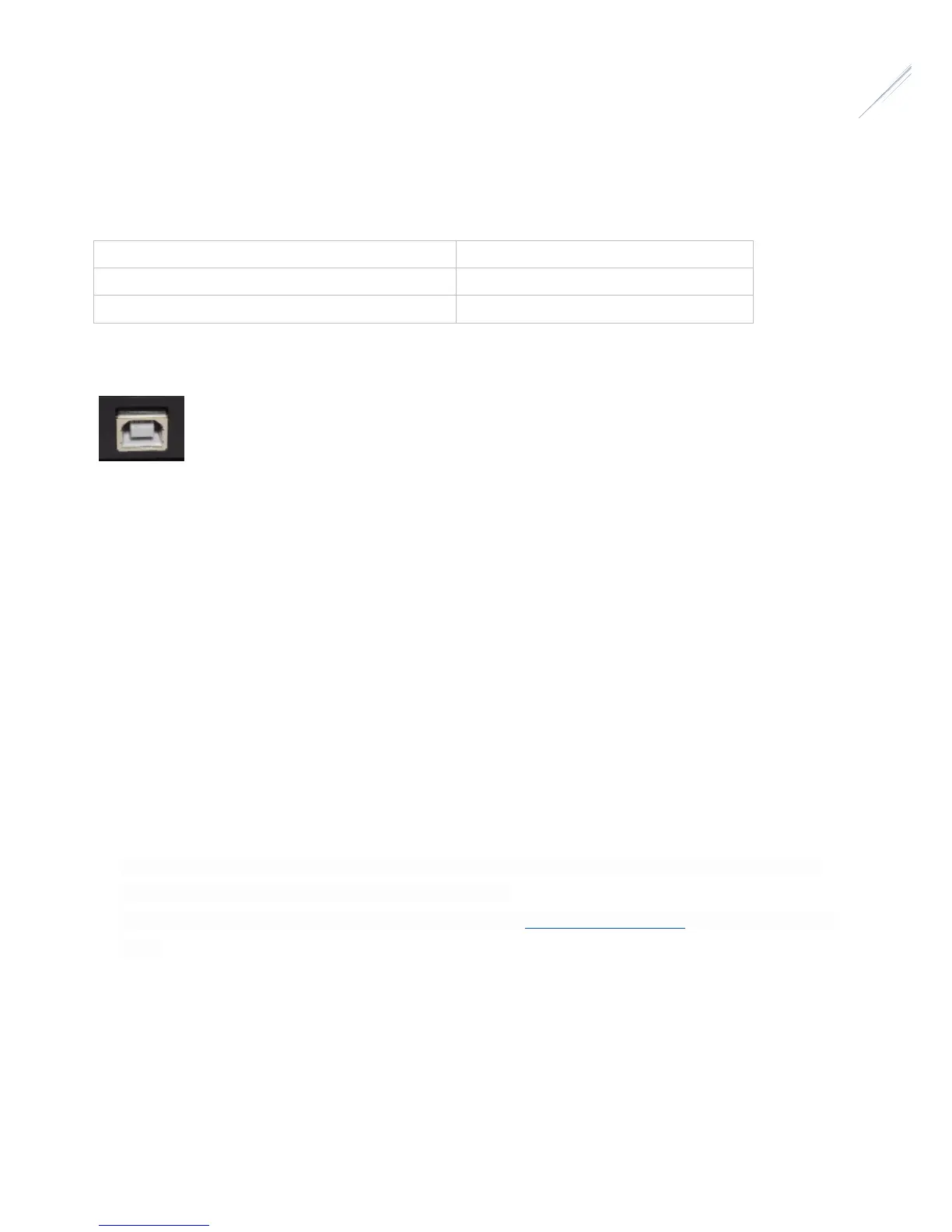
USB Connection
Unit has been designed with a USB type B connector. Plug one end into a spare USB 2.0 port on the computer or USB Hub, the
other end into the USB type B receptacle on the controller labelled USB.
Controller will be identified as “FocusCube revX” and a serial port will be appeared to the operating system.
Hand Controller - Rotary Encoder Knob
On the top of controller there is an infinite rotary knob. This digital encoder knob lets you do all operations. Encoder has a
pushbutton for selection. Rotate the knob to modify a value and push the knob to select another item.
Operating Instructions:
• Plug the temperature sensor to the RJ45 socket.
• Plug the supplied USB type B cable to the device.
• Plug DC 12V/1-2Amps power cable into the DC 2.1mm socket.
• Device will boot after three seconds and the green indication LED will blink three times. This means that firmware was
loaded successfully and the “FocusCube” is now fully operational.
• Download USB drivers, standalone software or ASCOM drivers from pegasusastro.com/support in order to connect to the
device.
Warranty
We provide 1-year warranty for our products. We will offer the repair service for free or replace the item for free if the unit does
not work properly within the warranty period. After the warranty period, we will continue to provide repair support and service
on a charged basis. This warranty does not apply to damage that occurred because of abuse or misuse, or damage caused by a
fall, or any other accidental failures after purchase. The customer must pay for shipping when shipping the camera back for
repair or replacement. If you get a faulty unit, please contact us as soon as possible through email: info@pegasusastro.com.


 To Next Page