EasyManua.ls Logo

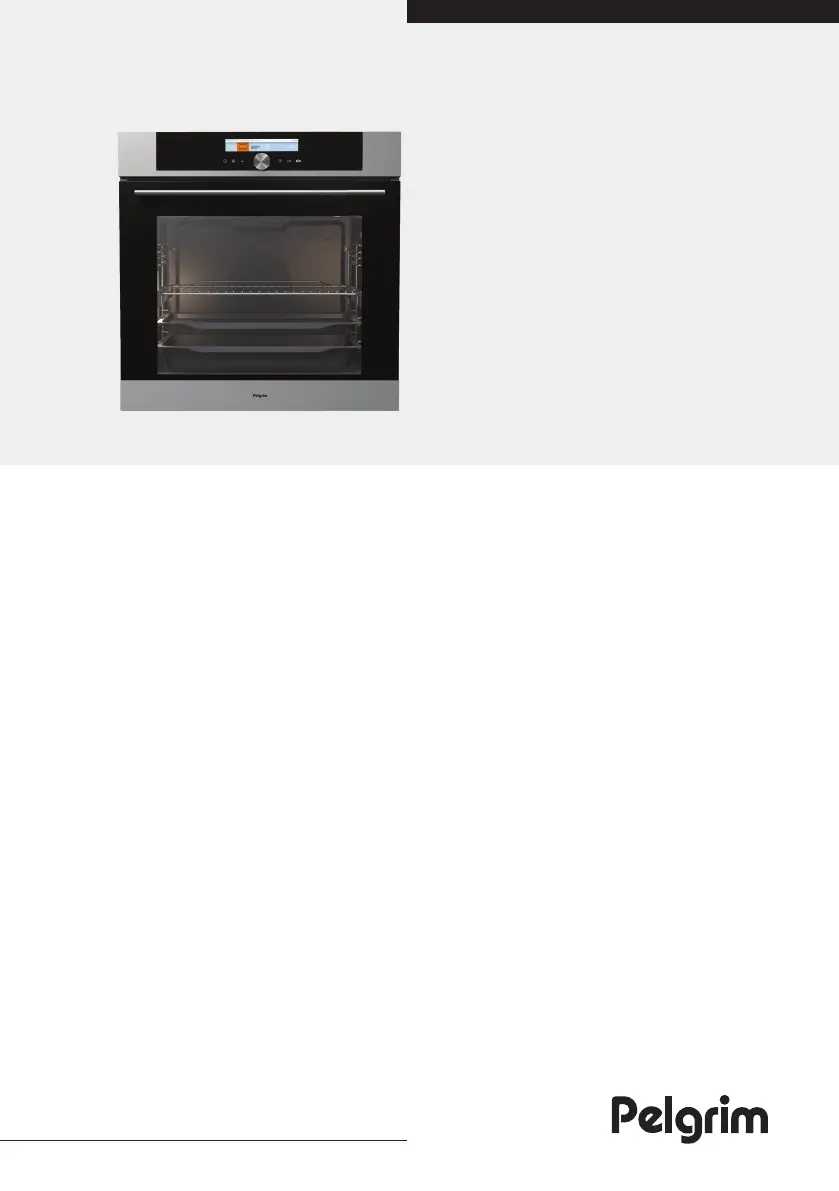
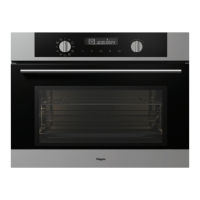
Pelgrim OVM826RVS - User Manual

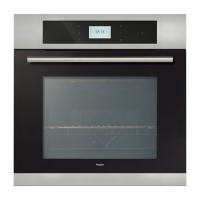
Pelgrim OVM826RVS
40 pages
Print Icon
To Next Page IconTo Next Page
Loading...
Instructions for use
Oven
OVM826RVS
OVM826MAT

Other manuals for Pelgrim OVM826RVS

Questions and Answers

  • K
    Kimberly GarciaAug 11, 2025
    What to do if my Pelgrim Oven displays an error code ERRXX?
    • C
      Chad MurrayAug 11, 2025
      If your Pelgrim Oven displays an error code ERRXX, it indicates an error in the electronic module operation. Disconnect the appliance from the power mains for a few minutes, then reconnect it and set the time of day. If the error persists, it is recommended to call a service technician.
  • S
    steven80Aug 16, 2025
    What to do if my Pelgrim Oven display is frozen and the sensors aren't responding?
    • D
      daniel39Aug 16, 2025
      If your Pelgrim Oven's display is frozen and the sensors are unresponsive, disconnect the appliance from the power mains for a few minutes by undoing the fuse or switching off the main switch. Then, reconnect the appliance and switch it on. If the issue continues, it's best to call a service technician.
  • T
    Tommy PhillipsAug 22, 2025
    Why is my pastry underdone in my Pelgrim OVM826RVS Oven?
    • C
      Christopher ThompsonAug 22, 2025
      If your pastry is underdone in your Pelgrim Oven, ensure that you have selected the correct temperature and heating system. Also, verify that the oven door is completely closed during operation.
  • T
    Theresa LeeAug 28, 2025
    What to do if my Pelgrim OVM826RVS Oven displays an error code (ERRXX)?
    • S
      Sean HannaAug 28, 2025
      If your Pelgrim Oven displays an error code (ERRXX), it indicates an error in the electronic module operation. Try disconnecting the oven from the power mains for a few minutes, then reconnect it and set the time. If the error persists, it's best to call a service technician.
  • A
    Amy DorseySep 3, 2025
    How to fix a frozen display on a Pelgrim OVM826RVS?
    • N
      npeckSep 3, 2025
      If the sensors are unresponsive and the display is frozen on your Pelgrim Oven, disconnect the appliance from the power mains for a few minutes by either undoing the fuse or switching off the main switch. Then, reconnect the appliance and switch it back on.

Pelgrim OVM826RVS Specifications

General IconGeneral
ColourStainless steel
Energy efficiency classA
Width59.5 cm
Number of power levels5
ColorStainless steel

Related product manuals